WhatsApp Business automation in dealerships: 7 operational workflows
A practical guide to vehicle enquiries, after-hours messages, qualification, team handoff, test drives, Service and follow-up within Meta’s rules.
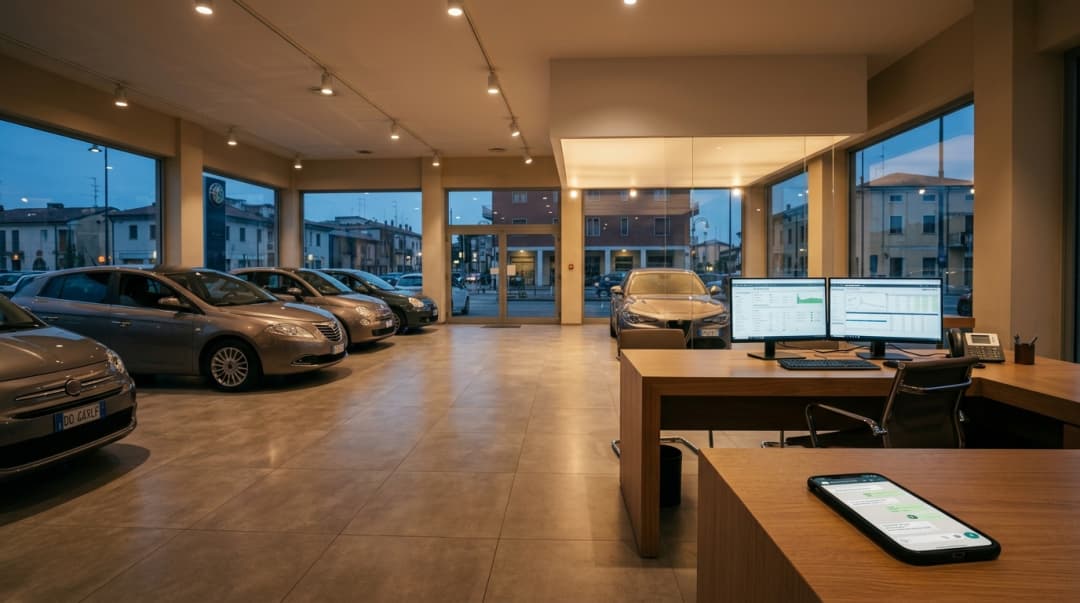
Seven WhatsApp workflows for sales and Service, from the first message to team handover: account, opt-in, templates, CRM, calendar and Human Control.
WhatsApp is not a new channel for most dealerships. Customers already use it to ask whether a car is available, send trade-in photos, arrange a test drive or move a workshop booking. The difficulty starts when those messages arrive in the evening, sit on one employee’s phone or have to be copied into the CRM by hand.
Automation should not mean filling the chat with stock replies. It means deciding in advance which requests the system may handle, what information it should collect and when the BDC, salesperson or service advisor must take over. This guide covers seven practical workflows and the boundaries needed to run them day to day.
For product features and configuration options, see WhatsApp for dealerships. Here, the focus is the operating process.
"Good automation does not try to hold on to every conversation. It knows when to hand the conversation over to a person."
— Lorenzo Antolini
Five decisions to make before automating
Many projects begin with the message copy. That is usually too early. First, the dealership needs to establish who owns the account, which number will be used, where the data will go and who may step into a conversation. These are separate decisions, even though the customer sees a single chat.
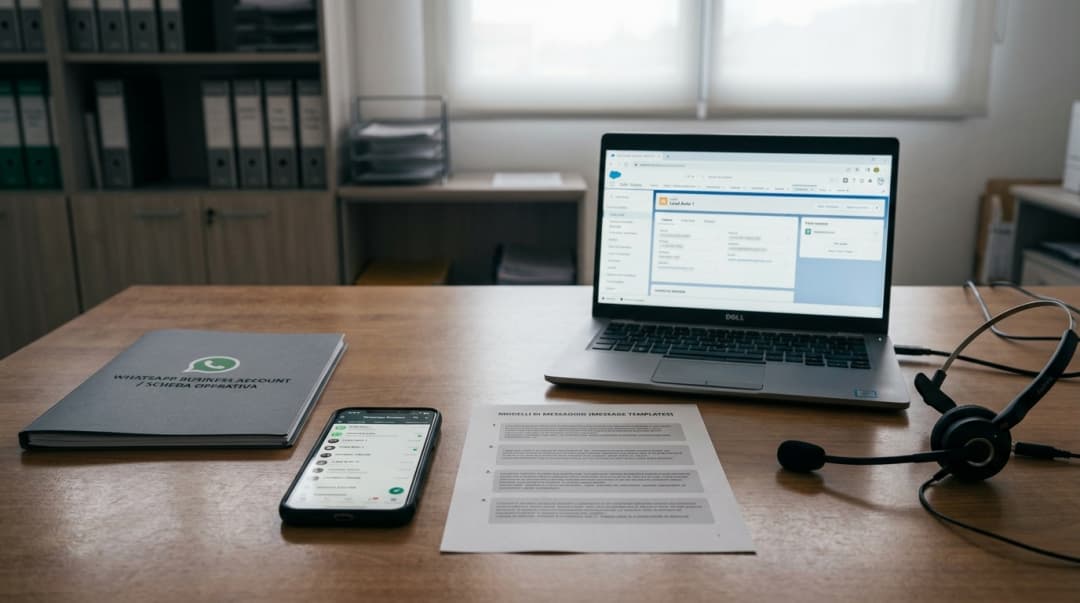
- Account. Access and ownership for the WhatsApp Business Account and Meta Business Portfolio must be clear. The dealership should know who can change the number, templates and user roles.
- Number. Decide whether to use a new number or one customers already know. Where Coexistence is available, the WhatsApp Business app and API can share a number; eligibility still needs checking on the specific account.
- Templates. Messages that start or restart a conversation outside the customer-service window must be prepared, categorised and approved by Meta.
- CRM. Agree which data is recorded: source, vehicle, summary, stage, appointment and owner all depend on what the integration can read and write.
- Human Control. The team needs rules for who can take over, when they should do so and how to prevent the operator and automation from replying at the same time.
These points are covered in more detail on the MIA integrations page. If one remains unclear, the risk is not only technical: the conversation can reach the wrong department or end up with nobody responsible for it.
How Meta’s rules affect day-to-day operations
Three rules shape WhatsApp Business operations. First, opt-in: before starting a conversation, the business needs the person’s number and permission to receive communications from that named business. Second, the customer-service window: after a customer message, the business can reply freely for 24 hours. Third, templates: once that window has closed, a conversation may only be opened with an approved template used for the appropriate purpose.
That changes how follow-up is designed. Having a number in the CRM is not enough, and neither is a conversation from several months ago. The dealership needs to know where consent came from, honour opt-outs and select the right template. These rules belong inside the workflow rather than as checks bolted on at the end.
The 7 operational workflows
The following flows cover the most common handoffs between sales and after-sales. They do not all need to go live at once. It is usually easier to begin with the journey whose data and ownership are already clear, review it with the department and add the others afterwards.
1. A vehicle enquiry
A customer arrives from a listing or the website and asks, “Is the Golf still available?” If the source link and stock feed are connected, MIA can start from the right vehicle and answer with authorised information. If the car cannot be identified, asking for the model, trim or listing link is more useful than guessing.
Once the vehicle is clear, the chat should move towards a practical next step: a callback, visit, test drive or trade-in appraisal. Off-list pricing, discounts and negotiation remain with the salesperson. The CRM should retain at least the channel, source, vehicle of interest and a readable summary.
- Can the vehicle and location be verified in stock?
- Has the customer chosen a preferred next step?
- Does the BDC receive the history, or only a name and number?
2. Messages outside staffed hours
After hours, “we will contact you” merely moves the problem to the next morning. A well-configured conversation can instead collect the vehicle or registration, distinguish between sales and Service, and ask when the customer would prefer a reply. It should also make clear that an assistant is responding.
The decisive step happens when the dealership opens. Someone must find those threads in a defined queue and take ownership. If no role has been assigned — for example, the first BDC shift or reception at the relevant site — automation has simply created a tidier waiting list.
The complete journey from initial message to ownership is part of dealership lead management.
3. Qualification without turning chat into a form
Qualification does not mean asking ten questions in response to one. The required details change with intent: a used-car enquiry may need model, timing and trade-in; Service needs registration, location and work type; a test drive needs the vehicle and availability. Chat should follow the conversation, not reproduce every CRM field in sequence.
The BDC should receive enough context to avoid starting again: the original question, vehicle or service, details already gathered and the requested next step. Lead priority and salesperson assignment remain with the team.
- Ask only for details needed for that request.
- Save the intent in language that makes sense to someone who has not read the chat.
- Hand over as soon as negotiation, appraisal or an exception is required.
4. Human Control: when a person steps in
A customer may ask for a person at any point. A handoff may also be triggered by a keyword, complaint, finance question or technical problem. With Human Control, a team member enters the same thread, sees what has already been discussed and continues without moving the customer to another number.

Providing a button is not enough. The dealership needs to define who may use it, in which queues and when automation may resume. MIA must not reply in parallel during human handling. The person who takes over owns the conversation until it is closed or released.
5. Booking a test drive
Arranging a test drive requires the right vehicle, dealership location and preferred time slot. If the sales calendar is connected and current, the flow can offer real slots and record the booking. Without that integration, it can collect a preference and send it to the BDC, but it should not present the preference as confirmation.
Physical availability matters too. Not every car can always be booked, and the vehicle may be held at another branch. Preparing the car and meeting the customer remain the salesperson’s or lot manager’s responsibility.
- Are the vehicle and location aligned?
- Did the slot actually come from the calendar?
- Were the CRM activity and owner updated?
6. Service, appointments and reminders
WhatsApp works well in after-sales because many requests begin in a similar way: scheduled maintenance, tyres, a warning light or a booking change. MIA can collect registration, location, job type and preferred date, and provide approved information on hours, documents or courtesy cars.
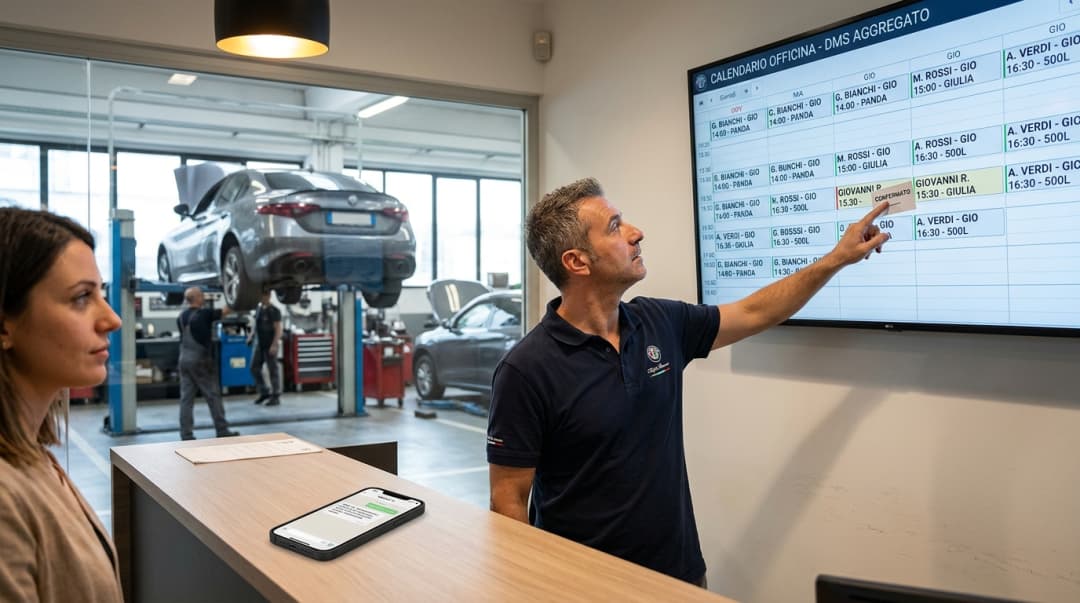
The difference between a request and an appointment must be explicit. If the calendar or DMS supports write access, the system can create, change or cancel the slot. Otherwise, it prepares a complete summary for reception. Diagnosis, non-standard quotes, warranty and complaints should go straight to a person.
Reminders follow the same consent and template rules as other messages. The guide to AI for Service and workshops also explains the relationship with calendars and DMS systems.
7. Authorised follow-up
An outstanding quotation, an enquiry that did not convert or upcoming maintenance may justify another contact, but none authorises unrestricted messaging. Before sending, check consent, the purpose of the message and the state of the 24-hour window. Use the approved template when the window is closed; when the customer replies, the conversation becomes active again.
The list should have a traceable source — CRM, DMS or an agreed file — and replies must reach a staffed queue. Opt-outs also need to be recorded. Message volume does not show whether the process works; what matters here is that every response has someone ready to handle it.
Connecting WhatsApp, the CRM and dealership teams
Automation is useful when it removes rekeying. A worthwhile conversation should leave its source, vehicle or registration, a readable note, stage and next activity in the CRM. CRMs do not all expose the same operations, so what the customer is promised must match what the integration can actually do.
The same principle applies to departments. The BDC sets commercial priority and assignment; the salesperson manages negotiation and test drives; reception confirms workshop work. Human Control is not a failed flow. It is the planned mechanism for handing the conversation to the right person without losing context.
What is better left to people
Not everything that can be discussed in chat should be automated. Discounts, finance, trade-in values, diagnosis, non-standard quotes, warranty and complaints need judgement and accountability. So does confirming an appointment when the calendar is unavailable.
A narrower, well-defined scope is more useful than an assistant that attempts to answer everything. Customers understand what is happening, the team knows when to step in and the CRM retains a reliable history.
Where to start
The practical route to production starts with infrastructure and ends with conversation design: verify account and number, prepare consent and templates, agree CRM fields, assign Human Control rules and only then connect calendars. The first workflow to launch should be the one whose data and owner are already available.
- Verify the account, number and availability of Coexistence.
- Map opt-in, opt-out and templates for each message type.
- Define what the CRM receives and who owns each queue.
- Test Human Control with real cases, including how automation resumes.
- Launch one workflow at a time and review it with the department using it.
The WhatsApp for dealerships page covers features and integration options. This guide is the working outline for deciding what should happen between the first message and closing the thread.
FAQ
Practical questions about WhatsApp automation
The essentials on the app, templates, Human Control and appointments.
Want to design these workflows around your process?
In a demo we check the number, templates, CRM, calendar and handoff rules before defining the automations.