CarTake Studio · Visual editor

CarTake Studio: Figma for automotive marketing, connected to your stock

CarTake Studio is the visual editor dealership marketing teams use to build creatives for social, campaigns, portals, and website starting from real stock photos. Images cut out by CarTake Photo appear directly in the editor, no download or upload: pick the vehicle, apply a template, adapt formats, publish. One tool, built for people working at a dealership rather than an agency.

  • Canvas with layers, templates, and drag & drop
  • Stock photos already cut out, straight from the CarTake Photo app
  • Automatic adaptation to social, ads, portal, and website formats
  • Shared asset library: logos, fonts, colors, and layouts per location or brand

From stock to creative

Four steps, one interface

  1. 01

    Pick the vehicle

    Stock photos processed by CarTake Photo are already in the asset library, with Digital Room and logo applied.

  2. 02

    Apply a template

    Layout library optimized for Facebook, Instagram, Google Ads, automotive marketplaces, and web. Every element is editable on the canvas.

  3. 03

    Adapt formats

    Feed, story, ads, and banners: Studio handles each platform's dimensions and specs from the same creative.

  4. 04

    Publish and measure

    Distribution to connected channels, with scheduling and aggregated metrics in one dashboard.

Why Figma for automotive and not a generic editor

Canva and Figma are excellent tools, but they know nothing about dealerships: they don't know your stock, don't receive cut-out photos, have no templates for a used-car listing or a launch offer, and force you to download, upload, and re-adapt images by hand every time.

CarTake Studio starts from the other side: it's built around the dealership workflow. The direct link with CarTake Photo means every car photographed on the lot is already available as a marketing asset, consistent with the Digital Room and dealer branding.

A canvas with layers, templates, and brand control

The editor works on a layered canvas: background, vehicle photo, price, trim, logo, claim. Every element moves, swaps, and resizes with drag & drop. Templates are customizable and adapt automatically to each platform's formats, so a creative is built once and lives on feed, story, ads, and website.

Logos, fonts, colors, and layouts live in a centralized asset library. A group can define head-office templates and let locations customize content while keeping a consistent identity across sites and channels.

  • Multi-platform templates optimized for social, ads, marketplaces, and web.
  • Asset library with shared logos, fonts, colors, and graphic elements.
  • Versioning and real-time team collaboration.
  • Consistency with the Digital Room used in stock photos.
Discover the Digital Room: the virtual showroom for CarTake photos

Connected to CarTake Photo: stock photos are already inside

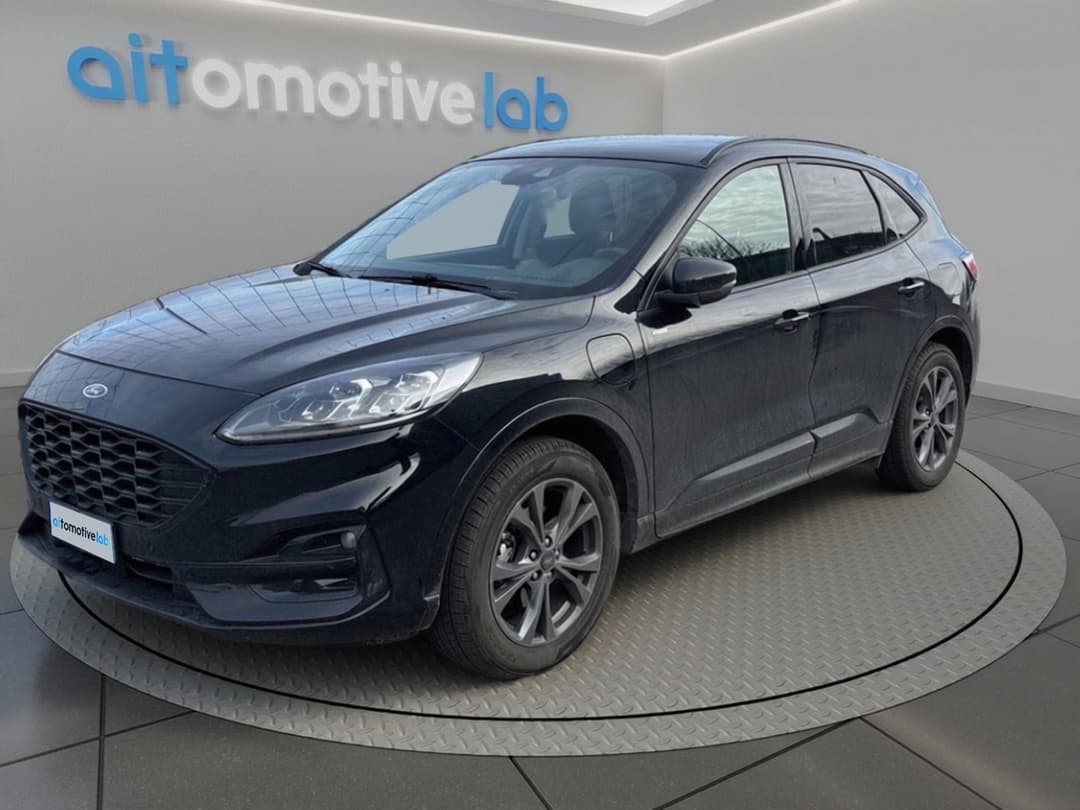
Studio's main advantage is native integration with CarTake Photo. When an operator photographs a car with the app, AI cuts it out and places it in the Digital Room; the same image is immediately available in the editor as an asset. No shared folders, no renaming, no old images ending up in a new campaign.

How the CarTake Photo capture app works

What you create with CarTake Studio

Studio covers a dealership's recurring visual needs: from the post about a car ready for delivery to the stock carousel, from the weekend-offer story to the website banner. The same Digital Room photos feed listings and campaigns, so customers recognize the same vehicle on every channel.

  • Posts and carousels for Facebook and Instagram with cars ready for delivery.
  • Creatives for Google Ads and Meta Ads in the required formats.
  • Banners and visuals for the dealership website and campaign landing pages.
  • Graphics for offers, launches, certified used, and OEM programs.

Multi-channel publishing and measurement

Once the campaign is ready, Studio distributes it to connected channels, handling each platform's formats and specs with scheduling and automatic publishing. Engagement and click metrics are aggregated in a single dashboard. Stock photos for listings follow the CarTake Photo flow to the integrated multipublishers instead; the two paths are distinct but start from the same images.

All available integrations for CarTake and MIA
CarTake Studio FAQ

CarTake Studio: frequently asked questions

Skills, photos, templates, team, and publishing: what marketing managers ask before adopting Studio.

No. CarTake Studio is designed for dealership staff: start from templates optimized for each platform and edit with drag & drop. Those familiar with visual editors will recognize the canvas-and-layers logic; others can start from templates.

Photos processed by CarTake Photo arrive automatically in the asset library, which is the main advantage of the integration. The asset library also handles images, logos, fonts, and graphic elements uploaded by the dealership.

Logos, fonts, colors, and templates are centralized in the asset library and shared with the team. The group defines layouts and identity; locations work on content while keeping the same visual standard.

Yes. Studio distributes campaigns to connected channels with scheduling and automatic publishing, and aggregates metrics in one dashboard. Active channels are defined during setup.

CarTake Studio is part of the CarTake platform together with CarTake Photo. Activation, users, and initial templates are defined in the demo based on the dealership or group structure.

CarTake Studio demo

See Studio on your stock photos

In the demo we open the editor with your lot's cars already cut out and build a first creative together in the formats you use.

Initial templates, asset library, and channels defined on your process. No commitment.