Before · App capture
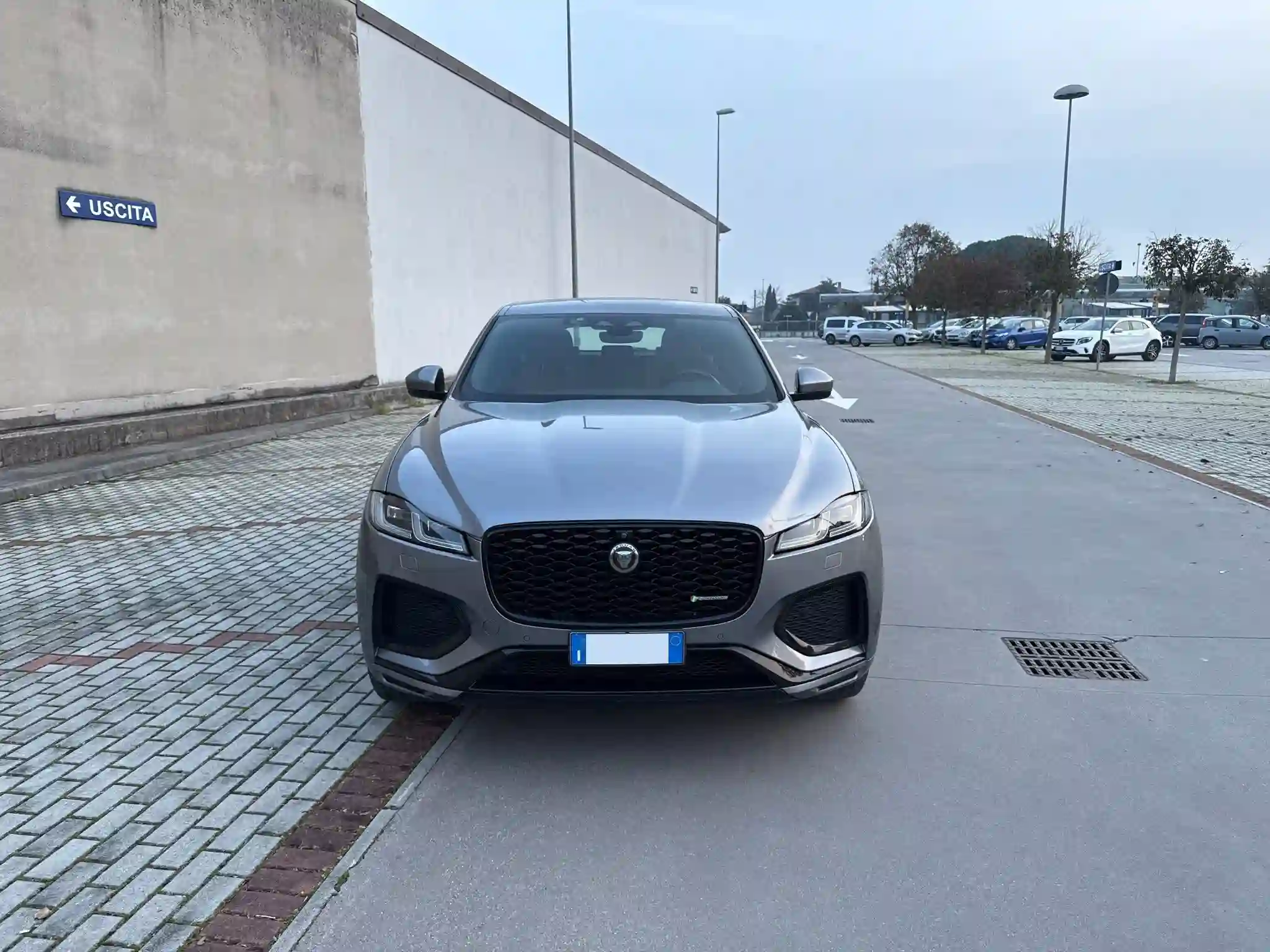
After · CarTake processing
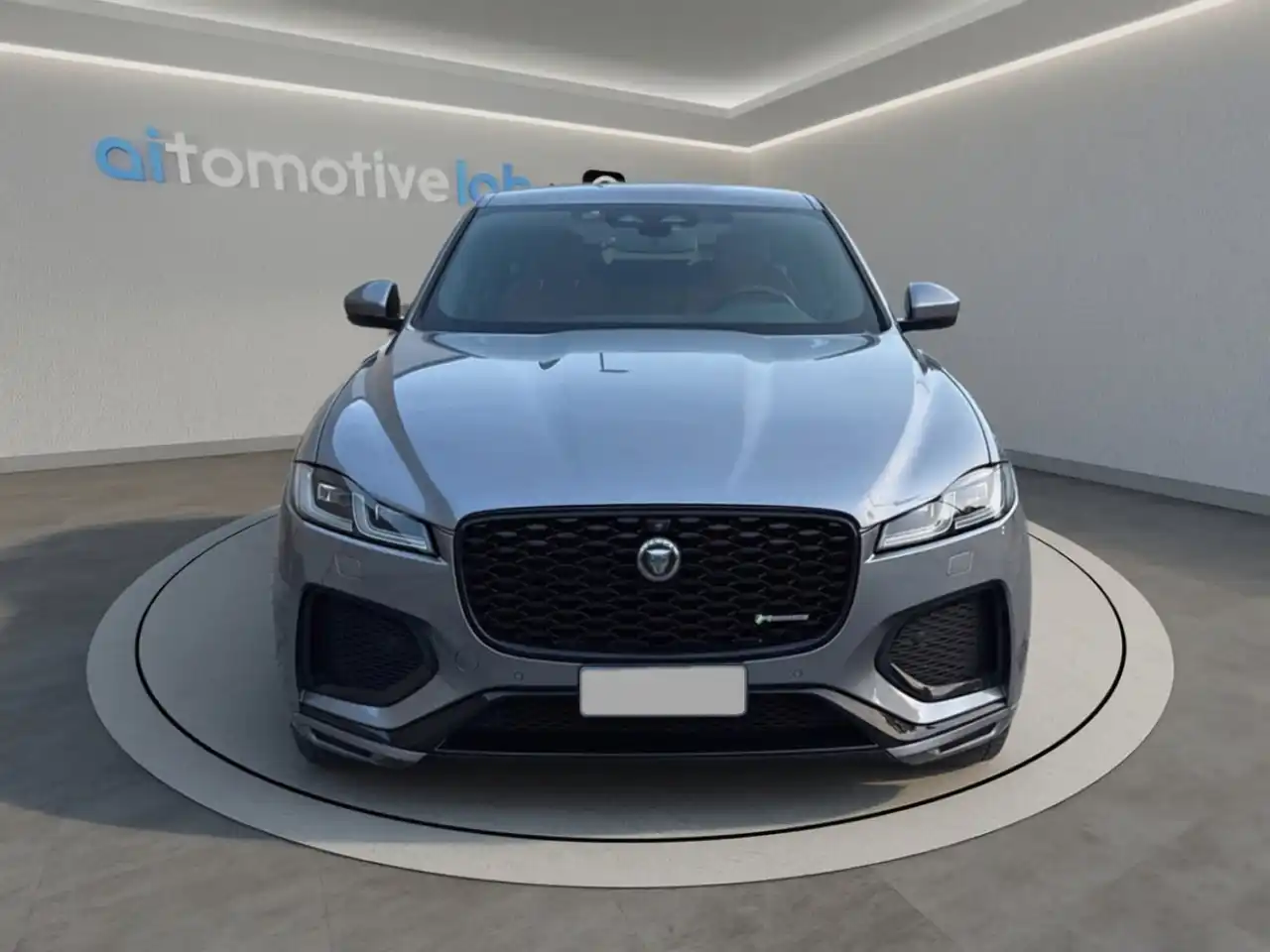
CarTake Photo turns the smartphone of whoever is on the lot into a guided capture tool. Scan the plate or VIN, follow the on-screen AI guidance, and in 30–60 seconds every photo arrives cut out, placed in the dealership's Digital Room, and ready to publish.
Install the app on iPhone, iPad, or Android. Operational access is configured for the dealership during activation.
How it works
Scan plate or VIN: the app opens a capture session already linked to the right car.
On-device AI analyzes the scene and tells you where to stand: side, front and rear three-quarter, rear, interior.
Blur and exposure are verified at capture time, so you reshoot on the spot, not after upload.
In the cloud, AI cuts out the vehicle, applies Digital Room and logo, and sends images to connected multipublishers.
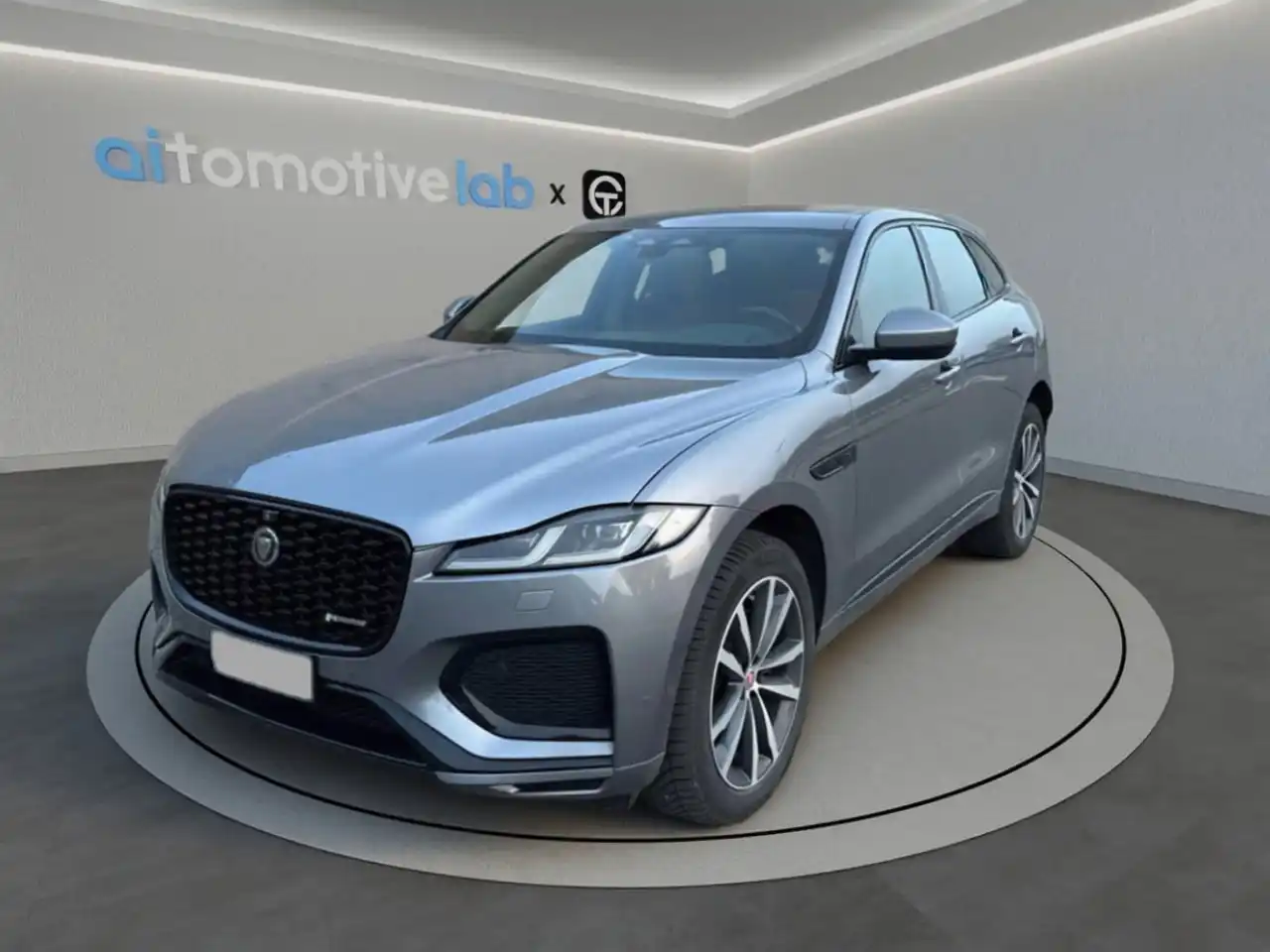
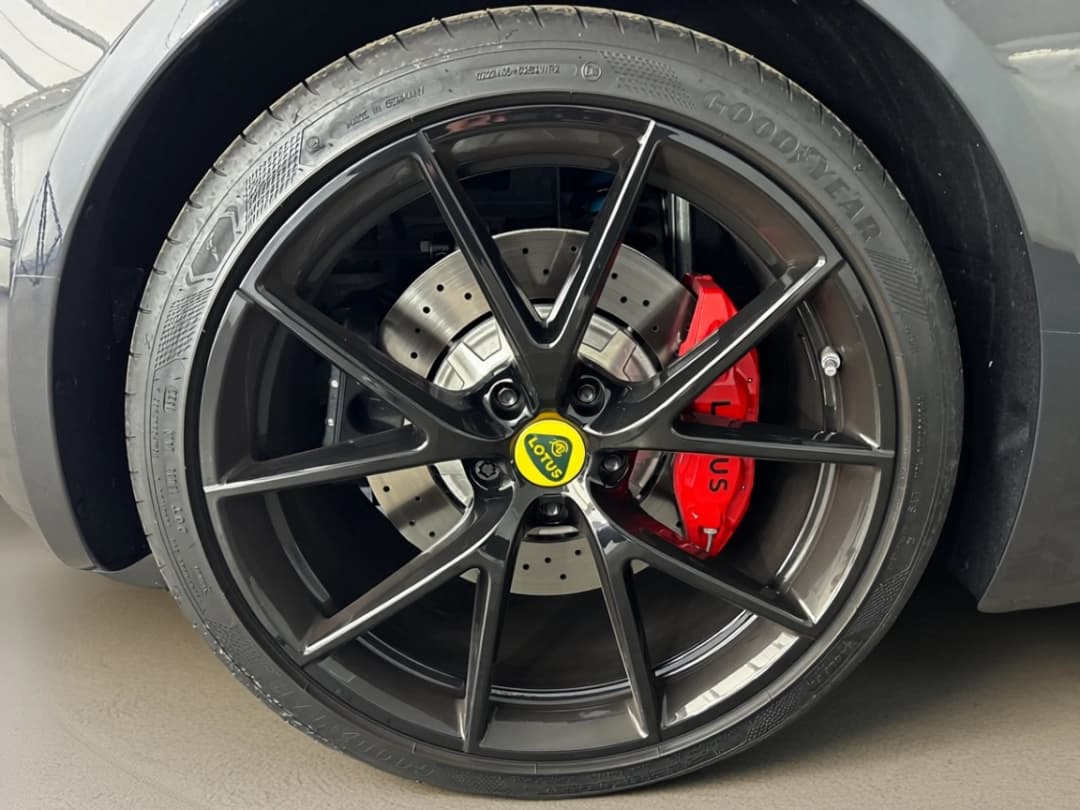
Photos are taken on the lot with real light and background. CarTake isolates the vehicle and places it in the dealership environment, preserving glass, wheels, and reflections.
Before · App capture
After · CarTake processing
Before · App capture
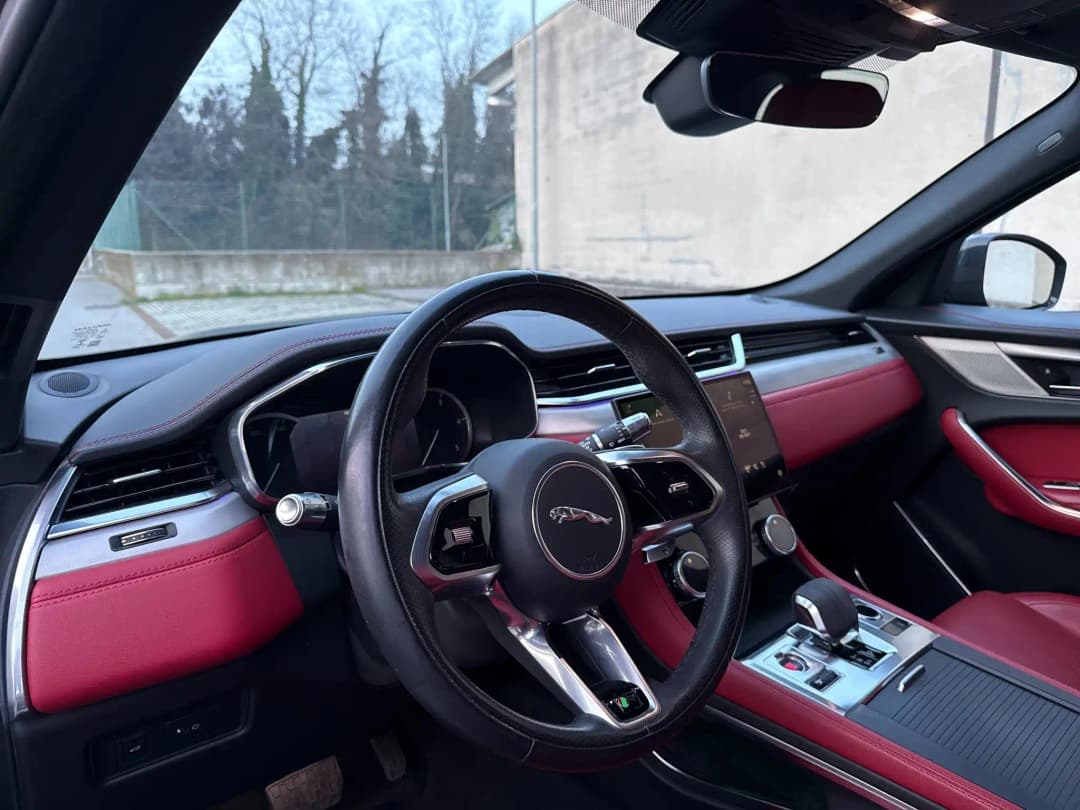
After · CarTake processing
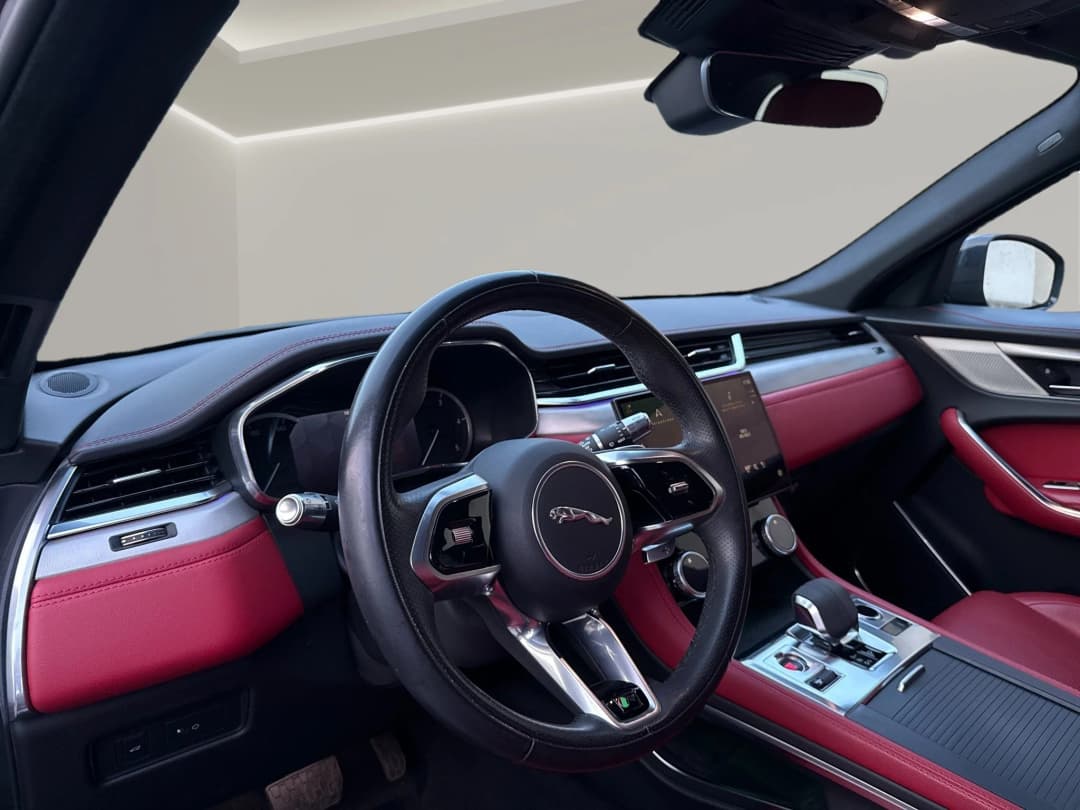
Before · App capture
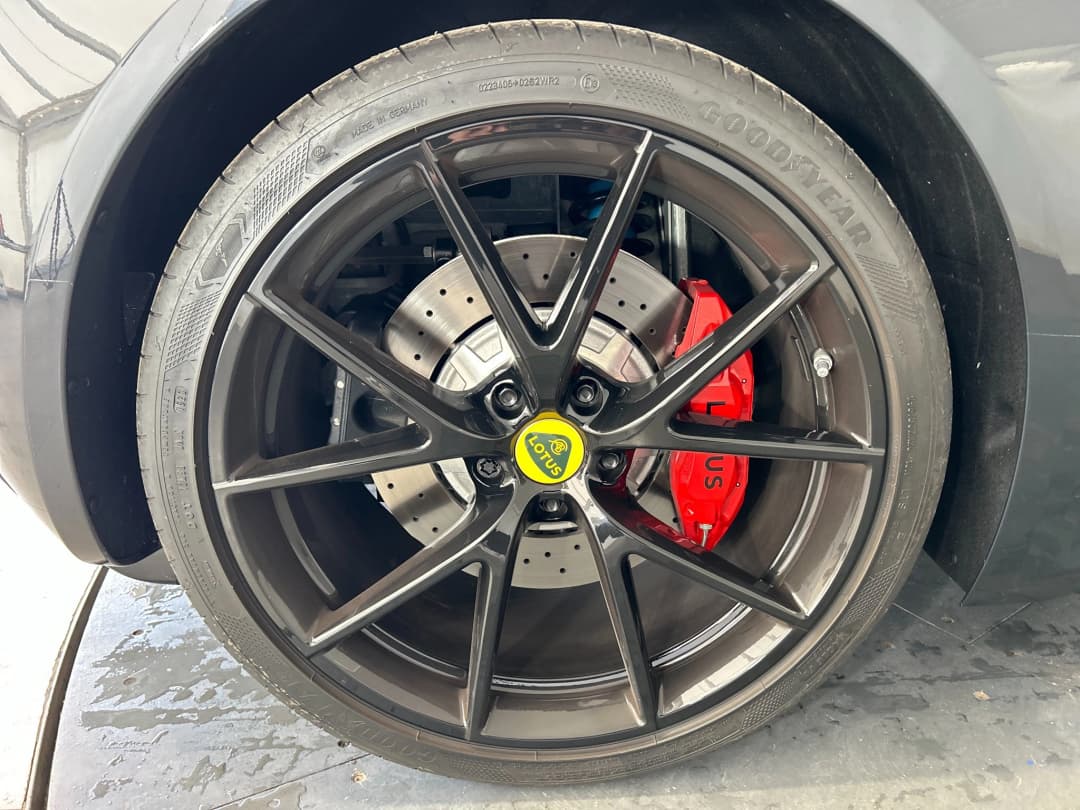
After · CarTake processing
At a dealership, photos are taken by whoever is available: the salesperson, the lot attendant, the used-car manager. People change, phones change, light changes. The result is inconsistent stock imagery with random crops and distracting backgrounds.
A guided capture app fixes this at the source: the sequence is always the same, framing is suggested by AI, and every photo passes a check before upload. You don't need a professional photographer; you need a repeatable process anyone on the team can follow.
CarTake's vision models run in-app and analyze the scene in real time. On-screen cues cover distance, angle, and centering, so the operator adjusts before pressing the button. The improved VIN scanner and blur/exposure checks shipped in April 2026 catch errors at capture time rather than during review.
Once uploaded, CarTake's AI, trained on a proprietary automotive dataset, separates the vehicle from the background while handling glass, chrome, wheels, and reflections. The car is then placed in the Digital Room chosen by the dealership, with logo and branding applied automatically. Processing takes 30–60 seconds per image, in parallel.
Processed images don't need to be downloaded, renamed, and re-uploaded. CarTake sends them automatically to the integrated multipublishers, SmilePhotoWeb, Infinity Publisher, and WEICOLA, which distribute them to the dealership website and listing portals.
A good test is photographing the same car with two different operators and comparing results. Five questions matter: does in-app guidance reduce rejects? Does quality control happen before upload? How long from shot to publishable photo? Are background and logo consistent across stock? Do photos reach portals without manual steps?
Devices, sequence, quality, and publishing: what dealers ask before adopting CarTake Photo.
No. The app guides the operator step by step and works in imperfect settings like a lot or a warehouse. Use a smartphone or supported camera; AI standardizes framing, background, and branding downstream.
CarTake Photo is on the App Store for iPhone and iPad and on Google Play for Android. The dealership account is activated in the demo; the store listing is for installing the app on the device used for capture.
The guided sequence covers the standard views required by portals: exteriors from several angles, rear, interior, and details. It can be adapted to the dealership's needs and vehicle type.
The app checks blur and exposure at capture time and flags the issue immediately so you reshoot on the spot. A second automatic quality check runs after processing, before delivery.
Yes, through the available integrations with SmilePhotoWeb, Infinity Publisher, and WEICOLA: CarTake delivers processed images to the multipublisher, which distributes them without manual uploads.
Yes. CarTake's AI is trained on a proprietary automotive dataset that includes cars, motorcycles, vans, and trucks.
How to photograph a car for sale
Lighting, phone settings, a 16-photo checklist and CarTake examples.
Virtual showroom for car photos
The Digital Room: environments per brand, location, and campaign.
AI car background removal
How vehicle-specialized segmentation works.
CarTake Studio
The visual editor for creatives and campaigns, connected to stock photos.
CarTake: the full platform
Photo and Studio, figures, video demo, and integrations.
Integrations
Multipublishers, CRMs, and channels already connected.
Demo on your stock
In the demo we photograph a vehicle from your lot with the app and show you the processed result with your Digital Room.
Assisted setup, integration with the multipublishers you already use, no commitment.