
Professional inventory photos from forecourt to portal
The app guides each shot, AI cuts out the vehicle, and Digital Room applies dealership branding. In 30–60 seconds, photos are ready for AutoScout24, your website, and multipublishers.
CarTake Photo
App-guided shots and automatic AI post-production for publication-ready images in seconds.
CarTake Studio
Centralized platform to create campaigns, customize templates, and distribute content across all channels.
Integrations
Automatic delivery to SmilePhotoWeb, Infinity Publisher and WEICOLA — then to website and listing portals.
CarTake Photo
From guided capture to publication-ready photos
CarTake streamlines vehicle listing publication while maintaining premium visual quality, consistent branding, and repeatable standards across your inventory.
CarTake Photo mobile
Bring guided capture to the dealership lot
Install the app on iPhone, iPad, or Android. Operational access is configured for the dealership during activation.
The Problem
Weak inventory photos = fewer listing clicks
Messy backgrounds, manual editing and days between the photo set and a live listing slow used-car publishing. Dealerships need a consistent AI photo flow, not one-off retouching.
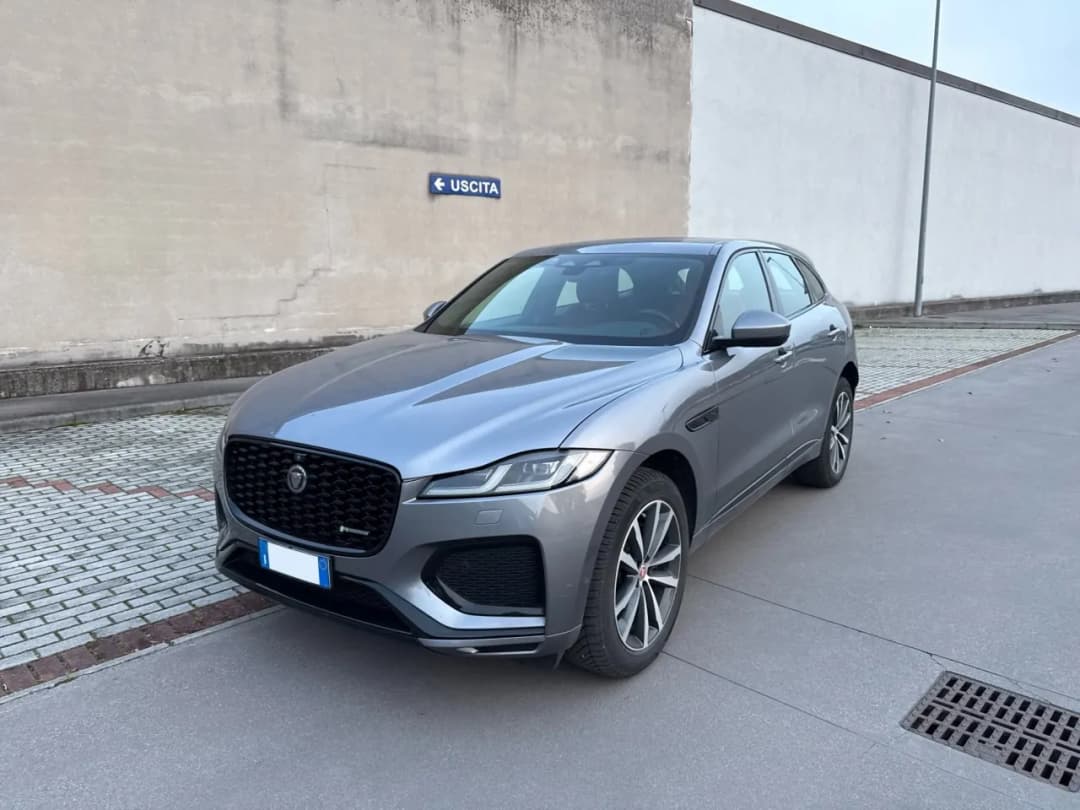
- ✗Cluttered, unprofessional background
- ✗Manual editing required
- ✗Days between the photo set and a live listing
- ✗Inconsistent results across vehicles
- ✗Missing or inconsistent branding
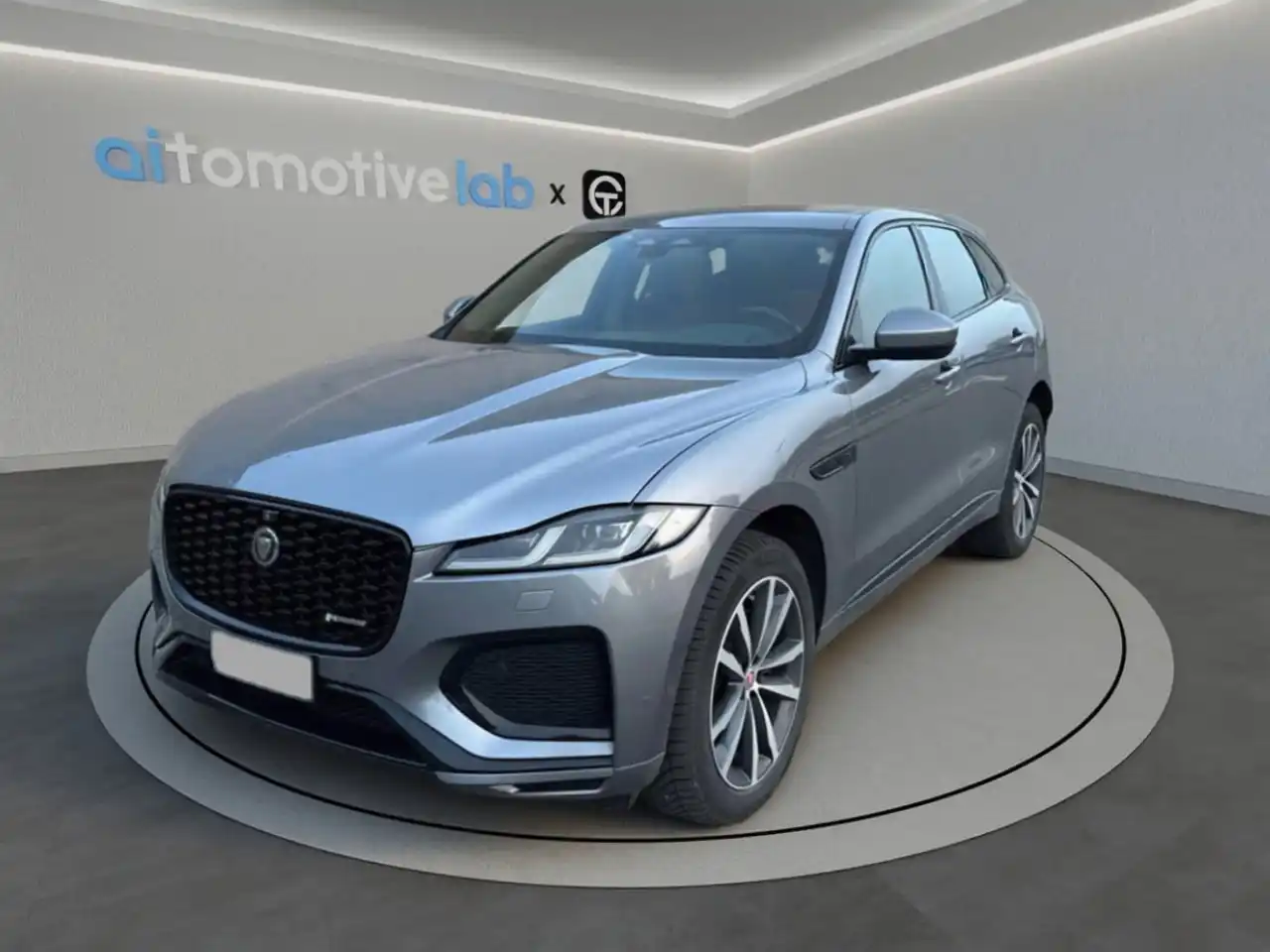
- ✓Background removed with millimetric AI precision
- ✓30-60 seconds per processed image, ready for delivery
- ✓Total visual consistency across your inventory
- ✓Logo and branding applied automatically
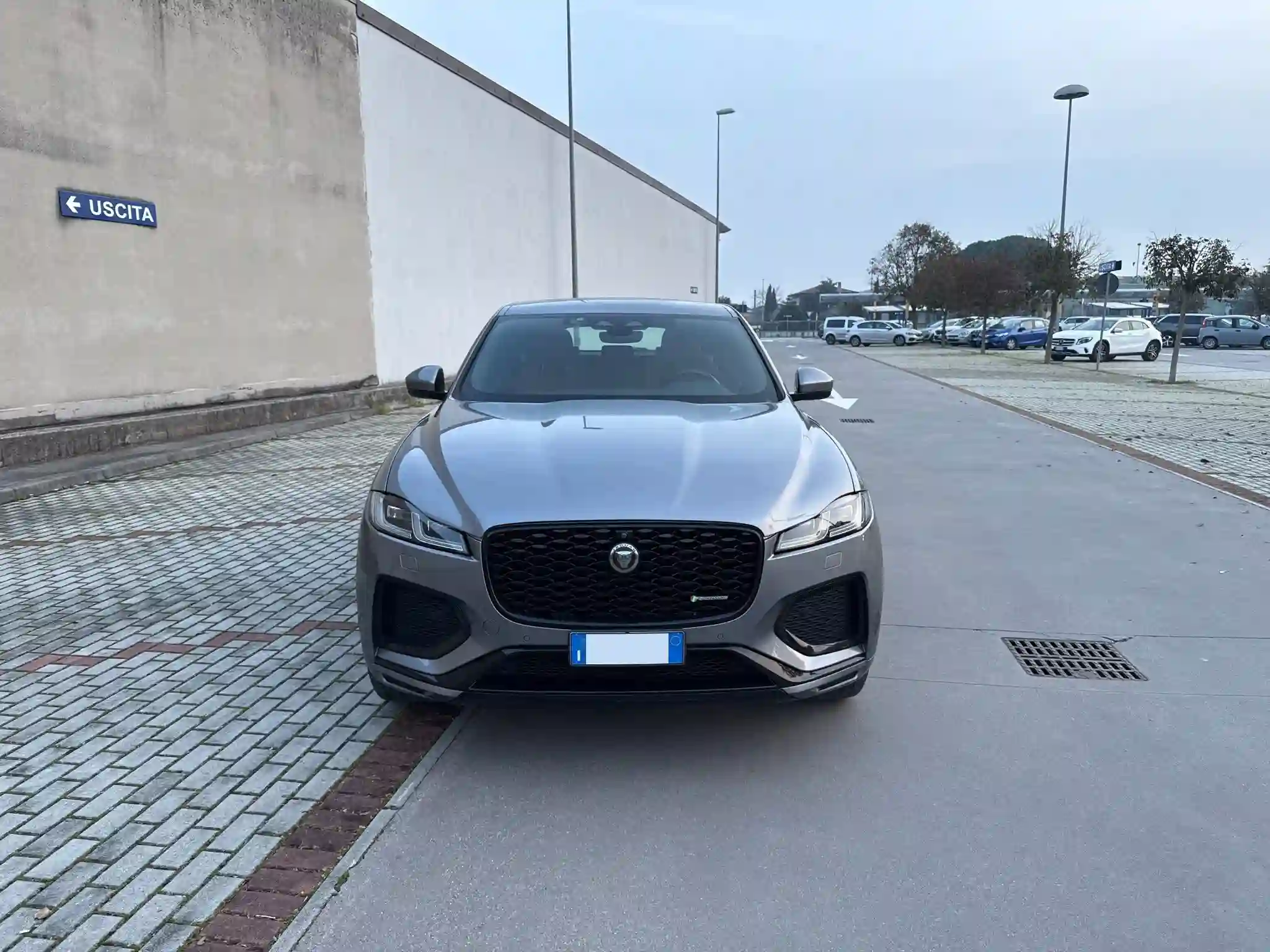
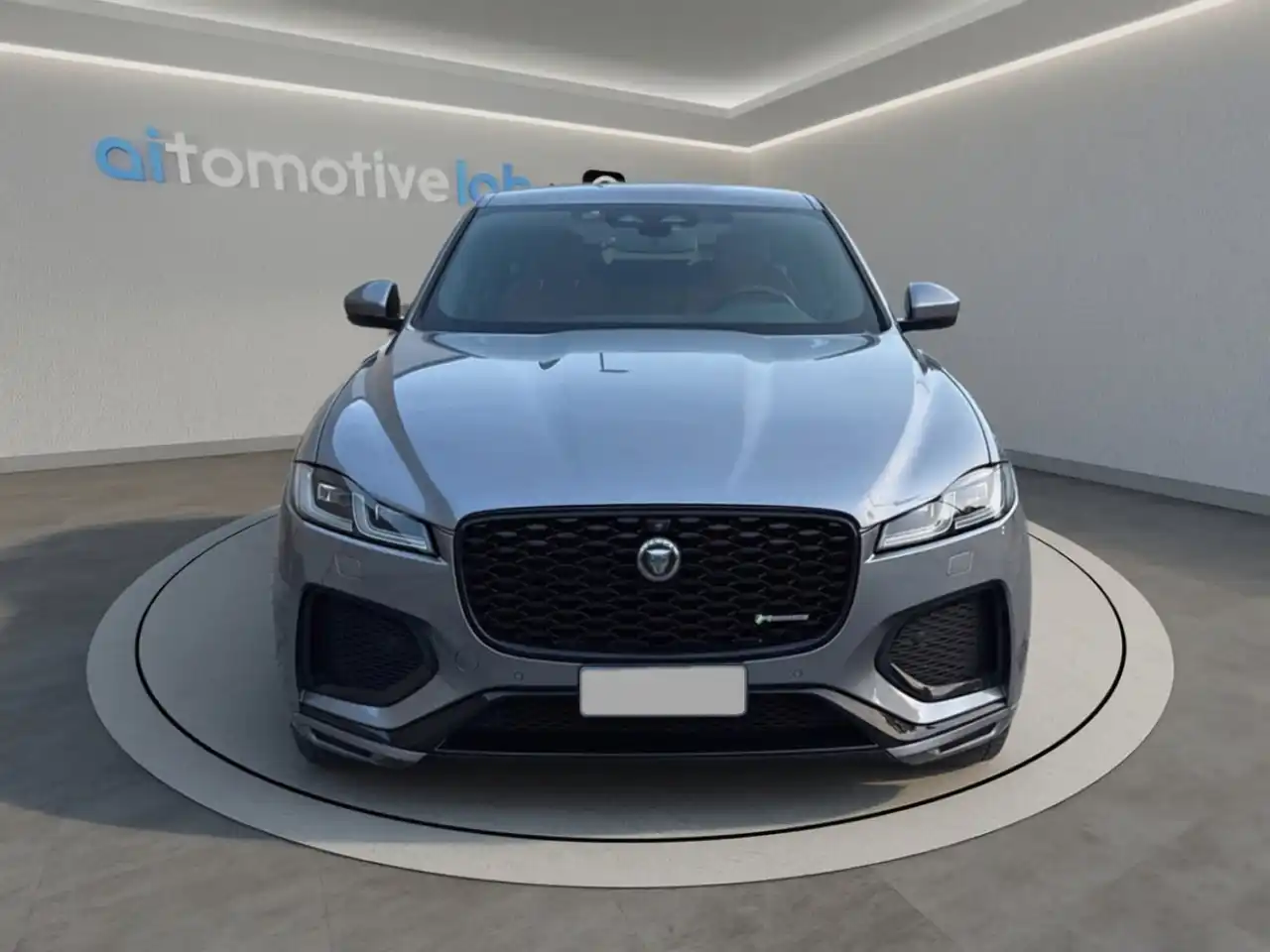 BeforeTap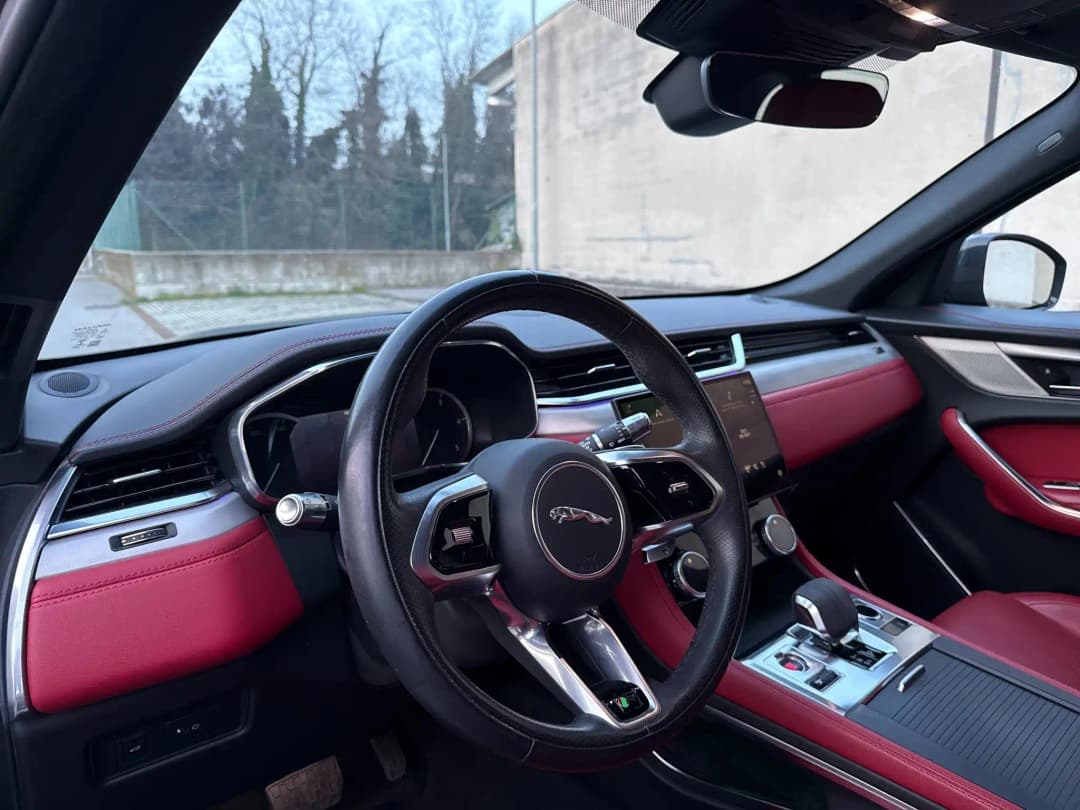
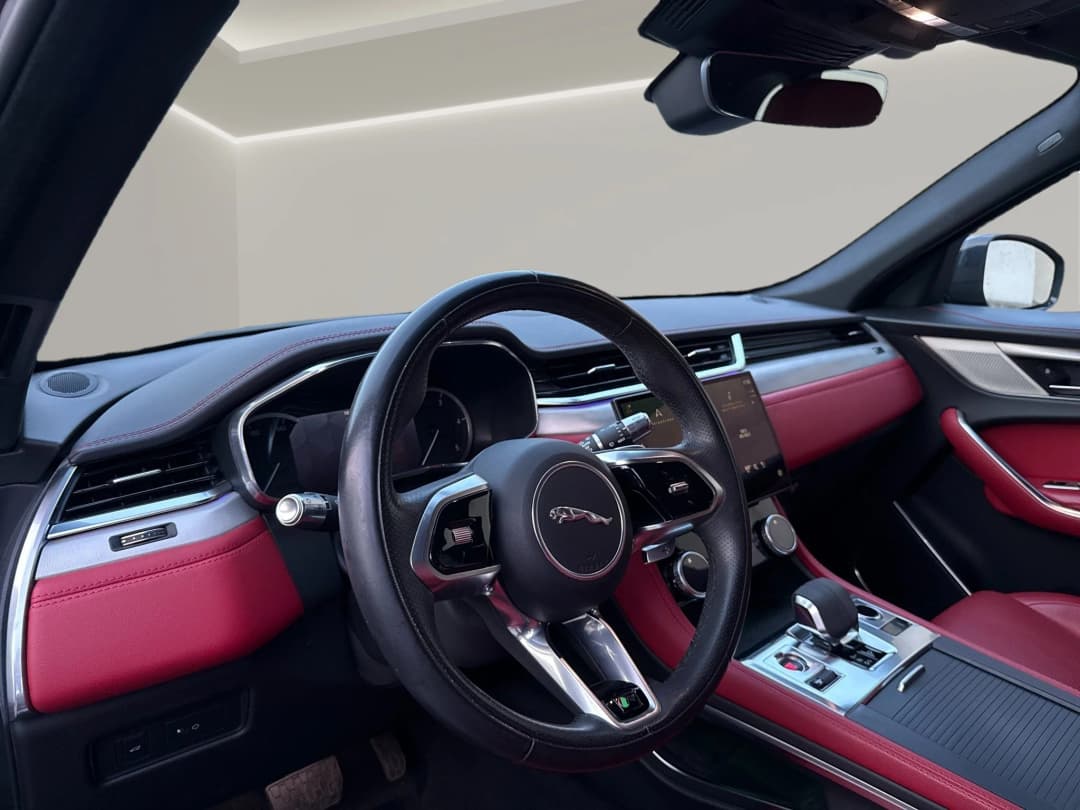 BeforeTap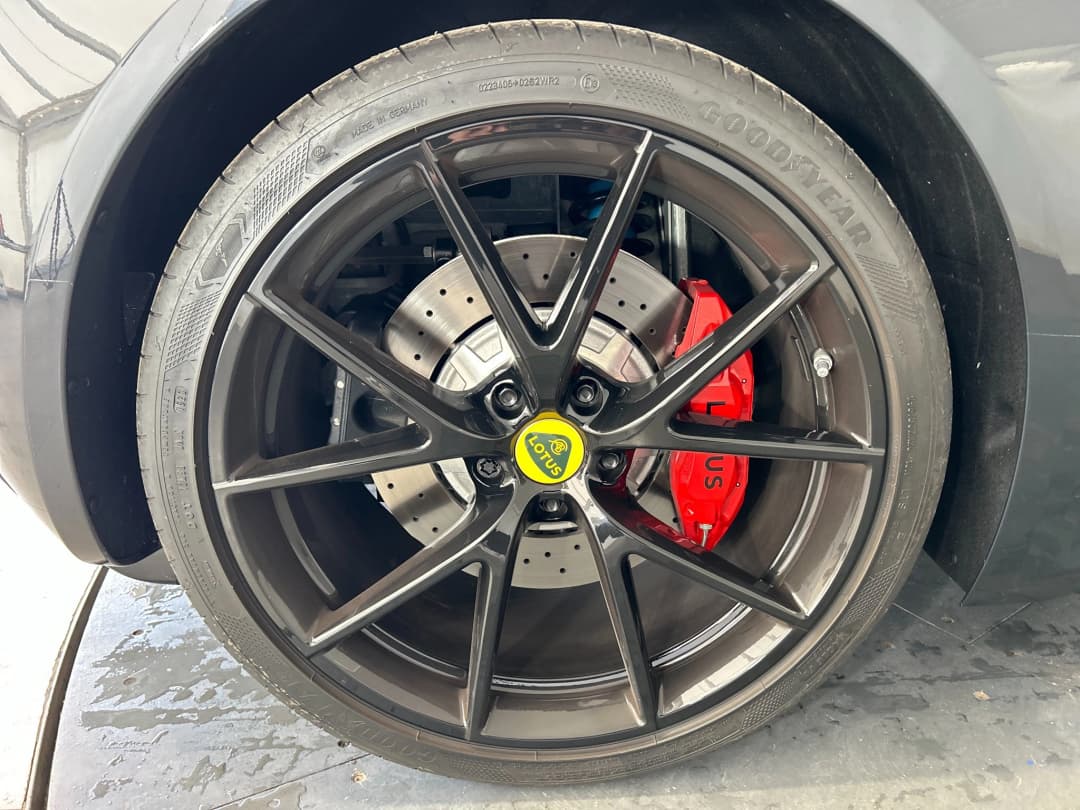
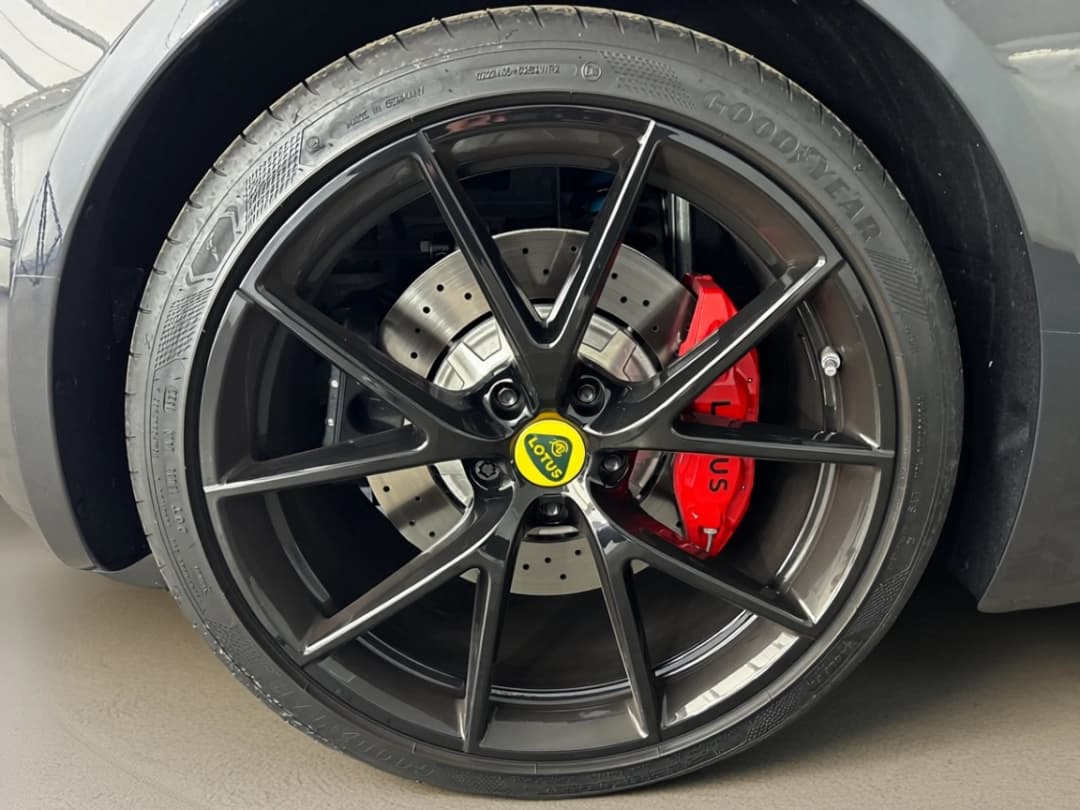 BeforeTap
Hover over images to see the resultTap images to see the transformation
Real impact: CarTake Photo helps dealerships present inventory with professional, consistent images while reducing manual work between capture, review, and publishing. Full time-to-market still depends on logistics and pricing: the slice photo software can compress is from photos to a live listing.
CarTake Photo
The App That Guides You to the Perfect Shot
No need to be a professional photographer. The CarTake Photo app guides you step-by-step through image capture; then AI does the rest in 30-60 seconds.
Real-Time AI Guidance
AI on-deviceAI models running directly in-app analyze the scene in real time and guide the operator step by step: framing, distance, angle. Instant, intuitive visual feedback—impossible to get wrong.
Optimized Automatic Sequence
Optimized workflowThe app guides you through all standard angles: side, 3/4 front, 3/4 rear, rear, interiors. All in logical sequence, no guesswork.
Instant AI Processing
30-60 seconds per photoAs soon as you shoot, AI starts cloud processing. In 30-60 seconds the image is ready: background removed, logo applied, web-optimized. Ready to publish anywhere.
Fully Automated Flow
Automated deliveryAfter capture, processed images are delivered automatically to integrated multipublishers and DMS, with no manual download, renaming or upload.
Consistent Quality
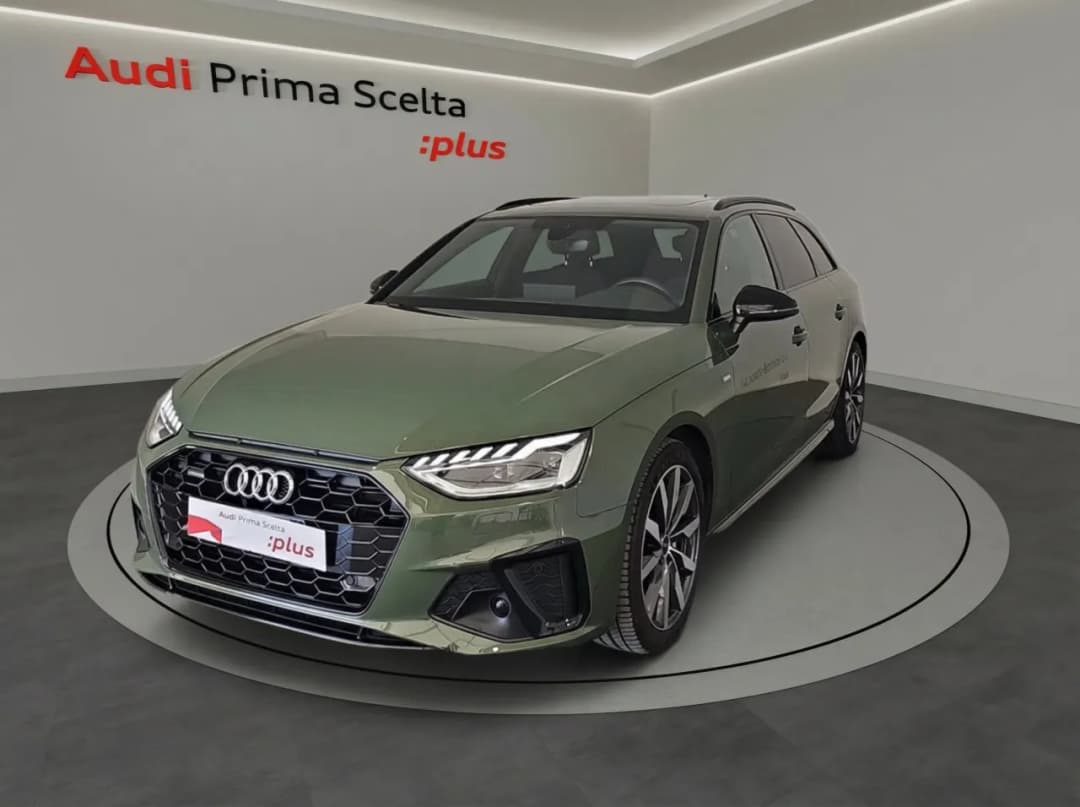
Custom environment for your brand.
From the standard version for your dealership to dedicated setups for individual brands: we handle everything.
Proprietary Technology
AI Trained Specifically for Automotive
We don't use generic models. Our AI was developed and trained in-house on a proprietary automotive image dataset to deliver consistent results across cars, motorcycles, trucks and vans.
Specialized Vehicle Training
A proprietary automotive dataset is used to train our models. The AI recognizes badges, alloy wheels, chrome and glass surfaces for more consistent automatic cutouts.
Intelligent Recognition
The AI automatically handles reflections, shadows, lighting, and variable conditions. Removes backgrounds while preserving fine details. Automatic adaptation to every vehicle type and shooting environment.
Continuous Optimization
Our models are updated monthly with new data. Every processing improves system accuracy for all users. Collective learning that benefits the entire network.
Automatic Quality Control
Every image is automatically verified before delivery: sharpness, exposure, alignment, and visual consistency. If something doesn't meet the standard, the system takes action.
Demo
CarTake in action
See how the complete flow works, from shot to publication.

How It Works
From App to Publication in 3 Steps
The CarTake Photo workflow is designed to be as simple and fast as possible. From first photo to online publication in minutes.
Shoot with the App
Open the CarTake Photo app, follow the on-screen visual guide, and take the photos. The app tells you exactly where to position yourself and which angle to use.
AI Processes Automatically
The AI removes the background, applies your logo and branding, optimizes colors and contrast. All in 30-60 seconds per image, automatically and in parallel.
Publish Everywhere
Processed images are immediately available. Publish to your website, listing platforms, social media. Direct integration with DMS and inventory management systems.
The Numbers Speak for Themselves
Volume, processing time, integrations
CarTake Photo + Studio product metrics. Italian time-to-market days are an observatory benchmark, not a result of these figures.
CarTake Studio
The campaign editor, connected to your stock photos
In Studio you use the same CarTake Photo images for posts, ads and the website. Templates, logo and formats per channel — no loose files to start from.
Templates for Facebook, Instagram, ads and web
Channel formatsTemplates already cut to the formats you use. Logo and price adapt; you do not rebuild the layout for every vehicle.
Photo and logo library
Same stockPhotos processed by CarTake Photo land in the library. Dealership logos and fonts stay in the same place.
Publish on the channels you already use
CampaignsWhen the creative is ready, Studio sends it to connected channels in the right format. Stock listings stay on the Photo → multipublisher flow.
Campaign numbers in one place
CampaignsCampaign clicks and engagement stay in Studio. They do not replace stock-turn or lead-ownership KPIs.
Integrations
From the lot to portals, no manual uploads
After processing, photos are not downloaded and re-uploaded. CarTake delivers them to the multipublisher you already use; from there they go to website and listing portals.
Multipublishers already connected
Three live integrations: SmilePhotoWeb, Infinity Publisher and WEICOLA. The rest of the stack is checked in a demo.



The multipublisher distributes the photos like any other listing image: AutoScout24, Subito.it and the dealership website.
From capture to the portal
The operator shoots on the lot. CarTake processes. The multipublisher publishes. No export, no renaming.
- Guided capture with CarTake Photo
- Cut-out, Digital Room and dealership logo
- Delivery to SmilePhotoWeb, Infinity Publisher or WEICOLA
- Distribution to website and portals by the multipublisher
Frequently asked questions about CarTake Photo and Studio
Clear answers on timing, equipment, branding, and publishing for dealerships evaluating CarTake.
CarTake Photo is presented as a 30 to 60 second workflow per image. After the app-guided capture, AI automatically processes the photo and gets it ready for online publishing.
Time-to-market runs from inventory intake to a live listing and includes logistics, preparation and pricing. Time-to-publish measures the slice from a completed photo set to that listing. The 45- and 11-day figures are 2024 OWI benchmarks for Italy, not CarTake results.
Read the photos-to-live-listing analysisNo. The app guides the operator step by step, so you can shoot even in imperfect settings. AI standardizes the final visual output, reducing dependence on traditional photo setups.
Yes. The workflow highlights background removal, logo application, and consistent branding across inventory, so every vehicle follows the same visual standard.
Yes. CarTake fits into workflows with DMS, inventory management, listing portals, and social channels, allowing images and campaigns to be distributed without extra manual steps.
Yes. Through the available integrations with Infinity Publisher and Smilenet's SmilePhotoWeb, background-removed photos enter the multipublishing workflow for your website and listing portals such as AutoScout24 and Subito.it, without manual uploads.
A generic background remover only isolates a subject. CarTake uses vehicle-specific segmentation to handle glass, wheels, chrome, and reflections, then completes the workflow with guided capture, Digital Room, dealership branding, and multipublishing.
CarTake is trained on a proprietary automotive image dataset and supports cars, motorcycles, trucks and vans, so the workflow is not limited to passenger cars.
Demo
Let's look at your dealership photo flow
In a demo we open capture, Digital Room and delivery to the multipublisher you already use.
Assisted setup. Scope depends on Photo, Studio and the multipublisher already in use.