WhatsApp Business auto reply: how to set it up, with examples
Greeting message, away message and quick replies step by step, ready-to-use texts for a car dealership and its service department, the limits of the app and when you need the WhatsApp Business API.
How to set up the greeting message, away message and quick replies in the WhatsApp Business app, with ready-to-use texts for sales, used cars and service. And when the app is no longer enough.
A customer messages at 9 pm about a car they saw online. Another asks about a service on a Sunday. If nobody answers, the chat waits until morning. WhatsApp Business automatic messages tell the customer right away that the message arrived and what happens next. This guide shows how to set them up, with ready-to-use texts for a dealership and its workshop, and where the app stops.
How to set up an auto reply on WhatsApp Business
The WhatsApp Business app has three kinds of automatic message: greeting message, away message and quick replies. You turn them on in Business tools: write the text, choose when it is sent and who gets it. For a real conversation, with qualification, a CRM and several people on the same number, you need the WhatsApp Business API.
Here is the path. On Android: the three-dot menu › Business tools. On iPhone: Settings › Business tools. In some versions the three features are grouped under an entry such as «Automated messages» or «Messaging». Exact menu names can change with the app version and operating system: if you cannot find them, search settings for «greeting» and «away».
One thing first. Regular WhatsApp has no auto reply. If your dealership number is still on regular WhatsApp, install the WhatsApp Business app first. It is free, and moving keeps your number and chat history. Third-party apps that reply by reading notifications are not official tools: avoid them on a business number.
How to set up the WhatsApp Business greeting message
- Open Business tools › Greeting message.
- Turn on «Send greeting message».
- Tap the text and write your message.
- Choose recipients: everyone, everyone not in your address book, everyone except selected contacts, or only selected contacts.
- Save.
The greeting goes out when a customer messages you for the first time, or after 14 days with no messages in that chat. It is not sent on every message. Use it to introduce yourself and say what to send: model or listing link for sales, registration number for service.
For a dealership, «everyone not in your address book» usually works best. Saved customers, often writing to their own salesperson, do not get an introduction they do not need.
WhatsApp Business away message: schedule and recipients
- Open Business tools › Away message.
- Turn on «Send away message» and write the text.
- Under «Schedule» choose: always send, custom schedule with a start and end date and time, or outside of business hours.
- Choose recipients, with the same options as the greeting.
- Save.
«Outside of business hours» uses the opening hours in your business profile. Set those first, day by day, under Business profile › Hours. «Custom schedule» suits holidays and closures: set it once and it switches itself off. «Always send» must be turned off by hand.
A practical limit: the app has one schedule and one away text per number. If sales and service share the number but keep different hours, the message has to cover both, as in the examples below.
Quick replies: the texts your team retypes every day
Quick replies are not sent automatically. They are saved texts a person pulls into the chat. Create them under Business tools › Quick replies: tap «+», write the message and give it a shortcut, for example «/hours». In a chat, type «/» and pick the reply. The app allows up to 50.
At a dealership they work well for questions that keep coming back:
- /hours: showroom and workshop hours, address and a Google Maps link.
- /collection: documents to bring when picking up the car.
- /service: what you need to book, i.e. registration, mileage and preferred days.
- /tradein: photos and details needed for a first valuation.
- /used: the standard reply to a listing enquiry, finished by hand.
WhatsApp auto reply examples for a dealership and workshop
Ready to copy. Replace the parts in square brackets. One rule: say what will actually happen. If nobody will reply before tomorrow morning, do not write «we'll get back to you right away».
Greeting, sales: «Hi, thanks for messaging [Dealership name]. To help you quickly, tell us which car you're interested in, model or listing link, and whether you have a car to trade in. A member of our team will reply.»
After-hours away message, sales and service on one number: «Hi, you've reached us outside opening hours. Showroom: Mon–Fri 9–7, Sat 9–1. Workshop: Mon–Fri 8–6. If you're interested in a car, send us the model or listing link and when you'd like us to get back to you. For service, send your registration and the job you need. We'll reply when we open.»
Away message, service only: «Hi, the workshop is closed right now. To book, send your registration, the job (service, tyres, warning light) and the days you can bring the car in. Our service desk will confirm a date during opening hours. For a roadside emergency, call the manufacturer's assistance number.»
Quick reply, used-car enquiry from a listing: «Thanks for your interest in the [model, year, mileage]. I'm checking availability now and will message you by [time]. Would you like to come and see it, or book a call with one of our sales team?»
Holiday away message: «We're closed from [date] to [date]. Leave your request and we'll pick it up when we're back, in order of arrival.»
The limits of auto replies in the WhatsApp Business app
The app is free and takes ten minutes to set up. For a workshop with one number and a few chats a day it is often enough. At a dealership with several departments these limits show up quickly:
- It replies once; it does not converse. If the customer answers with a question, nobody replies until opening time.
- It does not qualify. It does not ask for missing details and cannot tell a sales enquiry from a service booking.
- One number, few devices. The main phone plus a limited number of linked devices. With several salespeople and service advisors, the chat goes to whoever sees it first.
- No CRM. Labels and contacts stay in the app. The lead reaches the CRM only if someone copies it across.
- One text and one schedule per number. No separate rules per department or location.
- No inventory or calendar. It does not know whether the listed car is still available and cannot offer a real slot.
When you need the WhatsApp Business API
The WhatsApp Business API connects the number to software instead of a phone. You need it when the chat has to continue with nobody online and reach the CRM with the details already collected. What changes in practice:
- 24-hour window. When the customer messages you, you can reply freely for 24 hours from their last message. After that, you can only restart with a template approved by Meta.
- Approved templates and consent. Service reminders, confirmations and follow-ups use approved templates and require the customer's opt-in.
- Integrations. The number connects to CRM, inventory and calendar, within what each system allows to be read and written.
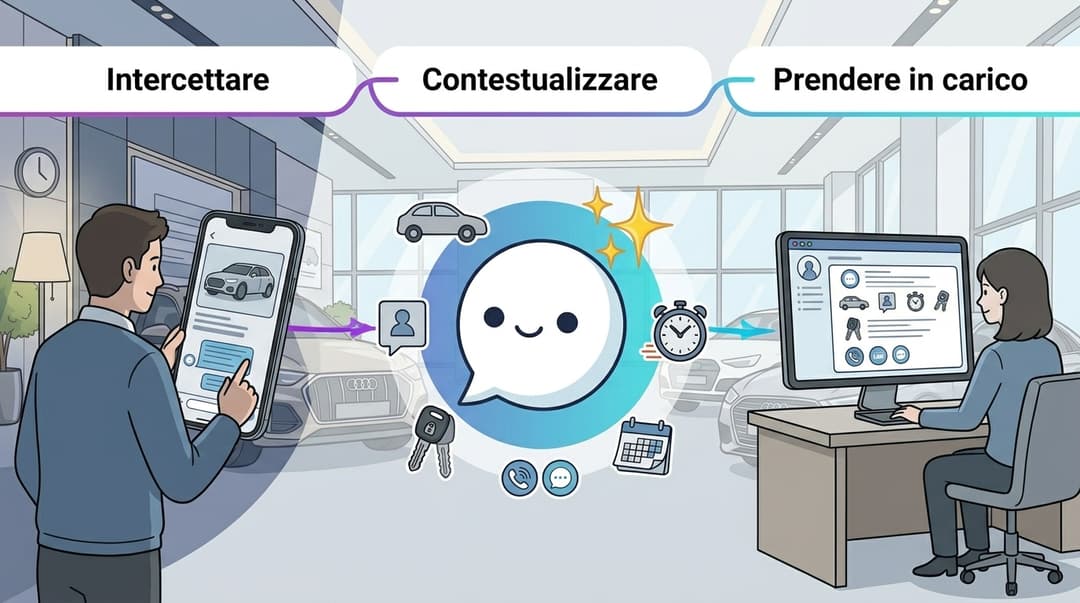
- An AI agent that carries on the conversation. MIA asks for the vehicle or registration, location and next step, then hands the chat to the BDC or service team with the context.
- Human takeover in the same thread. When a team member steps in, MIA stops and does not reply in parallel. The customer does not repeat anything.
- Same number, where possible. Where Coexistence is available, the app and the API stay on the same number. Check this for your account and number.
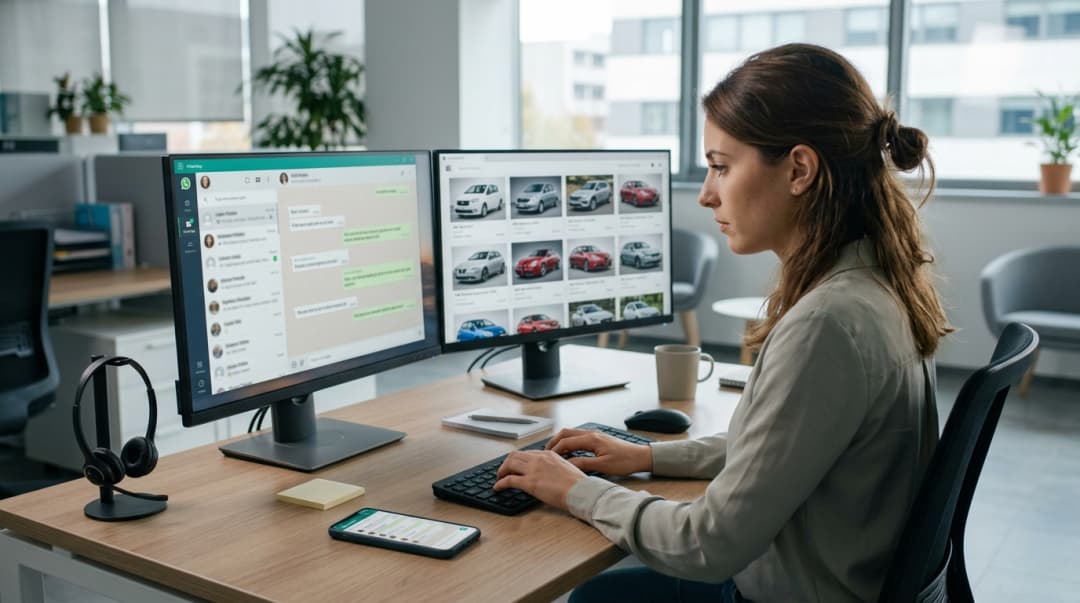
Meta's rates for API messages depend on category and country and change over time, so check the official pricing. To see how it works on a dealership number, read about our WhatsApp chatbot for car dealerships. If the chat starts after hours, the next step is dealership lead management; for the workshop, see AI for Service and workshop.
Next step: from auto replies to workflows
The app's automatic messages cover the first second of the conversation. When you need real flows, with vehicle enquiries, qualification, test drives, service appointments and authorised follow-ups, see the 7 WhatsApp automation workflows for dealerships.
FAQ
Questions about WhatsApp auto replies
The most common questions from teams setting up automatic replies on a dealership or workshop number.
Does the chat keep going after the away message?
In a demo we show MIA on WhatsApp Business: an after-hours enquiry, qualification and handoff to your BDC or service team on your own number.