WhatsApp Business: how it works on phone, PC and with AI
WhatsApp vs WhatsApp Business, switching without losing chats, using it on a PC and two phones, where a team hits the limits, the WhatsApp Business API and Coexistence: the app and an AI agent on one number.
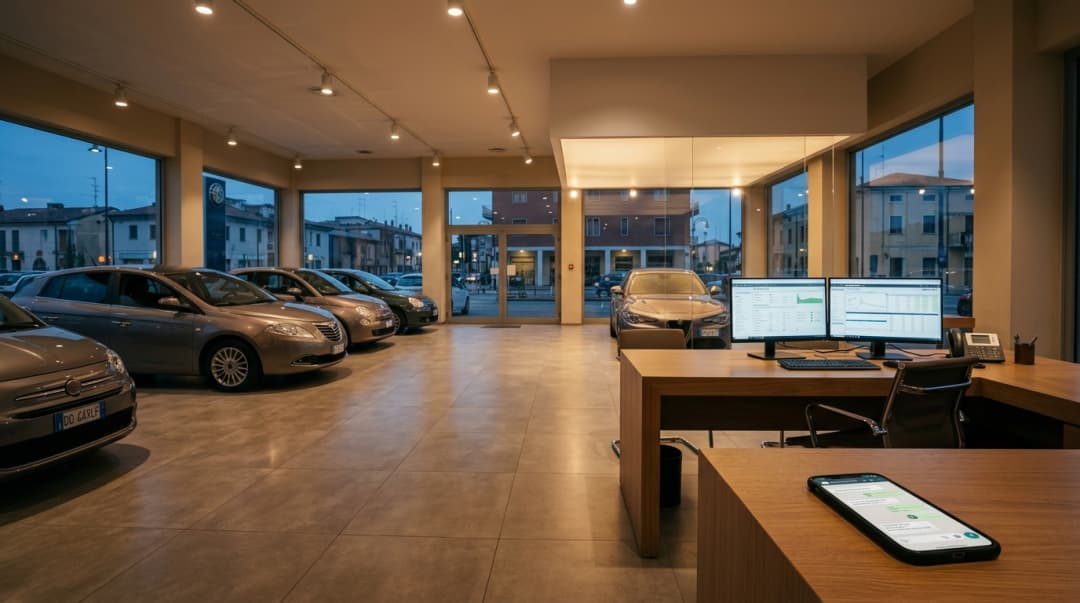
How WhatsApp Business works for a dealership: phone, PC, several people on one number, and how to add an AI agent without giving up the app.
A dealership's WhatsApp number often lives on one phone: the sales manager's, or the one at the service desk. That works while messages are few. Then the practical questions arrive. How do we use it on a PC? Can two people reply? If we add AI, do we have to give up the app? This guide answers them in the order a sales and service team runs into them.
How WhatsApp Business works, in short
WhatsApp Business is WhatsApp's free app for companies: it works like WhatsApp, plus a business profile, automatic messages, labels and a catalog. You use it on your phone and, through linked devices, on a PC and on other phones. When several people need to handle the same number with a CRM and an AI agent, you add the WhatsApp Business API, which with Coexistence can share the same number with the app.
WhatsApp vs WhatsApp Business: the differences
The two apps look almost the same. The difference is the business tools and who is on the other side: WhatsApp is built for people, WhatsApp Business for a company talking to customers.
- Business profile: address, opening hours, website, category and description. Customers can see they are writing to the dealership, not to a random number.
- Automatic messages: greeting, away message outside hours and quick replies. Regular WhatsApp does not have them.
- Labels: to mark chats (new lead, trade-in, service, call back).
- Catalog and a short link so customers can message you from your website and listings.
- One number, one app: a number can be active on WhatsApp or on WhatsApp Business, not on both at the same time.
Both apps are free. Paid options exist if you choose them: Meta Verified plans for businesses and, on a separate track, the WhatsApp Business API, billed per message according to Meta's rate card.
Switching to WhatsApp Business: what happens to your chats
If the dealership number is still on regular WhatsApp, you switch on the same phone. Back up your chats first (Settings › Chats › Chat backup).
- Install WhatsApp Business from the app store. Do not uninstall WhatsApp first.
- Open the app and enter the same number: it recognises that the number is used on WhatsApp and offers to move it.
- Allow access and import your history: chats and media move to the Business app.
- Complete the business profile with name, address, hours and category.
From then on the number runs on WhatsApp Business, no longer on regular WhatsApp. If the number is a salesperson's personal mobile, this is the moment to ask whether customer conversations should stay on that phone. A dedicated business number per department means customers don't leave with whoever changes jobs. Menu names change with the app version and between Android and iPhone: if a step doesn't match, follow the app's own screens.
WhatsApp Business on PC: WhatsApp Web and the desktop app
To use WhatsApp Business on a computer you have two options: WhatsApp Web in a browser, or the desktop app for Windows or Mac. Either way, the PC becomes a linked device of the main phone's number.
- On the PC, open web.whatsapp.com or the desktop app: a QR code appears.
- On the phone, open WhatsApp Business. On Android: three-dot menu › Linked devices. On iPhone: Settings › Linked devices.
- Tap "Link a device" and scan the QR code.
Once linked, the PC works even when the phone is off or offline. According to WhatsApp, linked devices are logged out if the main phone is unused for more than 14 days, and an inactive linked device is disconnected after 30 days. Some features stay on the phone only: broadcast lists, for example, cannot be created or used from WhatsApp Web or desktop.
WhatsApp Business on two phones (linked devices)
The same WhatsApp Business number can also run on a second phone as a linked device. Install WhatsApp Business on the second phone and, on the welcome screen, choose to link it to an existing account instead of registering a number: the app shows a QR code you scan with the main phone. The option's exact name varies by version.
The limits to know, according to WhatsApp's Help Center:
- Up to four linked devices besides the main phone, across PCs, browsers, tablets and other phones.
- With a Meta Verified for business subscription the limit goes up to 10 devices, where available.
- You still need the main phone to register the account and link new devices.
- Every device sees every chat. The free app has no way to say "this chat belongs to Mark".
WhatsApp has also introduced a multi-agent feature with chat assignment, tied to paid Meta Verified plans and not yet available to every account. If your account has it, it helps. If not, assignment stays a verbal agreement.
When a team outgrows the WhatsApp Business app
For a workshop with one service advisor and a few chats a day, the app plus a linked PC is often enough. In a dealership with new, used and service on the same number, problems show up fast:
- One number, many people, no owner. Everyone sees everything: the chat goes to whoever opens it first, or to nobody because each person assumes a colleague has it.
- No history per customer. The chat exists, but the car of interest, trade-in and appointments live in messages and in the memory of whoever replied.
- No CRM. A lead reaches the CRM only if someone copies it. Labels stay in the app.
- After hours only the away message replies. Once, without a conversation.
- One schedule and one message per number. Sales and service keep different hours but share one away message.
For what the app's automatic messages can and cannot do, see the dedicated guide: WhatsApp Business auto replies.
WhatsApp Business API: what it is, who provides it and how pricing works
The WhatsApp Business API, now offered by Meta as the Cloud API, connects your number to software instead of an app. It has no interface of its own: you use it through a platform such as a CRM, a shared inbox or an AI agent. Access is set up through providers authorised by Meta (solution partners and tech providers), or directly if you have a development team.
What changes compared with the app:
- 24-hour window. When a customer messages you, you can reply with free-form messages for 24 hours from their last message. After that, you can only write with a template.
- Approved templates. Predefined messages in the marketing, utility and authentication categories, approved by Meta. You use them to follow up a lead, send a service reminder or run a campaign.
- Consent. To message first you need the customer's opt-in, as required by the WhatsApp Business Policy.
- Messaging limits. Messages outside the window are capped by unique recipients per 24 hours. New accounts start low (250) and the limit grows with quality and volume.
- Integrations. Multi-agent inbox, assignment, CRM, stock, calendar, AI agents.
On pricing: since July 2025 Meta charges per delivered message, with rates that vary by category (marketing, utility, authentication, service) and by country. Some messages are free, or have been free in certain periods, and the rules change at the start of a quarter. For current figures, rely on Meta's official pricing page. The platform you use has its own cost on top.
Coexistence: the phone app and AI on the same number
Until recently the choice was binary: a number lived on the app or on the API. With Coexistence, Meta lets you connect a number already active on the WhatsApp Business app to the Cloud API without removing it from the app. The salesperson keeps using their phone, and the same number is connected to a platform with a shared inbox and an AI agent.
What it means day to day
- Customers keep writing to the same number. Nothing changes for them.
- One-to-one chats are synced between app and API: messages sent from the app also reach the platform.
- With MIA, when a salesperson or service advisor replies from their phone, the message appears in the MIA conversation and the AI pauses on that chat. Nobody answers the customer in parallel.
- In every other chat MIA carries on: it answers after hours, asks about the car, trade-in or plate, offers appointments and writes to the CRM.
- Messages sent from the app stay free. Messages sent through the API follow Meta's rate card.

What to check before activating it
- App version: Meta requires WhatsApp Business 2.24.17 or later.
- The number must be on WhatsApp Business, not regular WhatsApp, and not already connected to the API through another provider.
- Availability: it depends on country, account and configuration. Check it on your number before activation.
- History: when connecting, contacts and one-to-one chats from the last six months can be synced. Groups are not synced.
- Main phone: keep using it. If it stays inactive for about 14 days, the connection drops.
The limitations, per Meta's documentation
- In one-to-one chats, disappearing messages, view once and live location are turned off.
- Broadcast lists are turned off: you can't create new ones and existing ones become read-only. Campaigns move to templates.
- During onboarding linked devices are unlinked and must be linked again. WhatsApp for Windows is not supported as a companion in Coexistence: on a PC, use WhatsApp Web in the browser.
- Calls, groups, catalog and labels stay in the app and do not go through the API.
- The number has a fixed throughput of 20 messages per second, well above what a dealership needs.
A day at a dealership with the app and AI on one number
An example of how it can work, with two WhatsApp lines: sales and service.
- 7:40 am. A customer writes to the service line: engine light on. MIA asks for plate, mileage and symptom, offers available slots and books. The service advisor finds the appointment in the calendar.
- 9:15 am. A customer replies to last night's chat about a used car. The salesperson, on the showroom floor, answers from their phone. The message shows up in MIA and the AI stays paused on that chat.
- 1:00 pm. The BDC opens the shared inbox on a PC: chats are assigned by department, with summary, car of interest and trade-in already recorded.
- 6:30 pm. The sales line hands over to the AI for the evening, according to the activation hours you set.
- 9:40 pm. A customer asks whether the SUV in the listing is still available. MIA checks stock, replies, collects the trade-in details and creates the opportunity. Next morning the lead is assigned, with the summary.
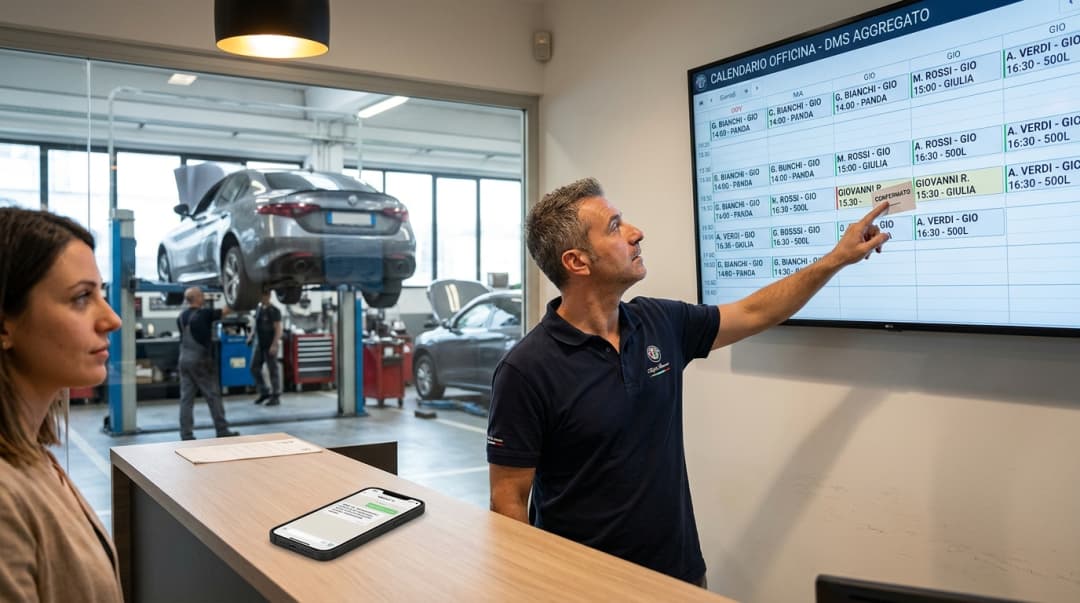
For full flows, from first enquiry to test drive and service booking, see the 7 WhatsApp automation workflows for dealerships. How MIA works on a dealership number is on the WhatsApp chatbot for dealerships page. For outbound messages with approved templates and CRM segments, see WhatsApp campaigns for dealerships.
App, API or both: how to choose
- App only: one number, one or two people, a few chats a day, no CRM needed.
- App with linked devices: small team, same office, assignment handled verbally.
- API: several departments or locations, a BDC, leads tracked in the CRM, after-hours replies, template campaigns.
- App and API with Coexistence: the team won't give up the phone, but you need the API for inbox, CRM and AI.
FAQ
Questions about WhatsApp Business, PC, API and Coexistence
The most common questions from sales and service teams running WhatsApp Business on a dealership number.
Keep the app and add AI on the same number?
In a demo we show MIA on WhatsApp Business with Coexistence: after-hours replies, qualification, handoff to your team and the AI pausing when you reply from your phone.