Appointment reminders on WhatsApp for dealerships and service
When to send them, what to write, ready-to-copy templates for service and test drives, the Business app vs the API, and how to handle reschedules and no-shows.
How to send WhatsApp appointment reminders for dealership service and test drives: timing, content, templates with variables, Meta template rules, reschedules and no-shows.
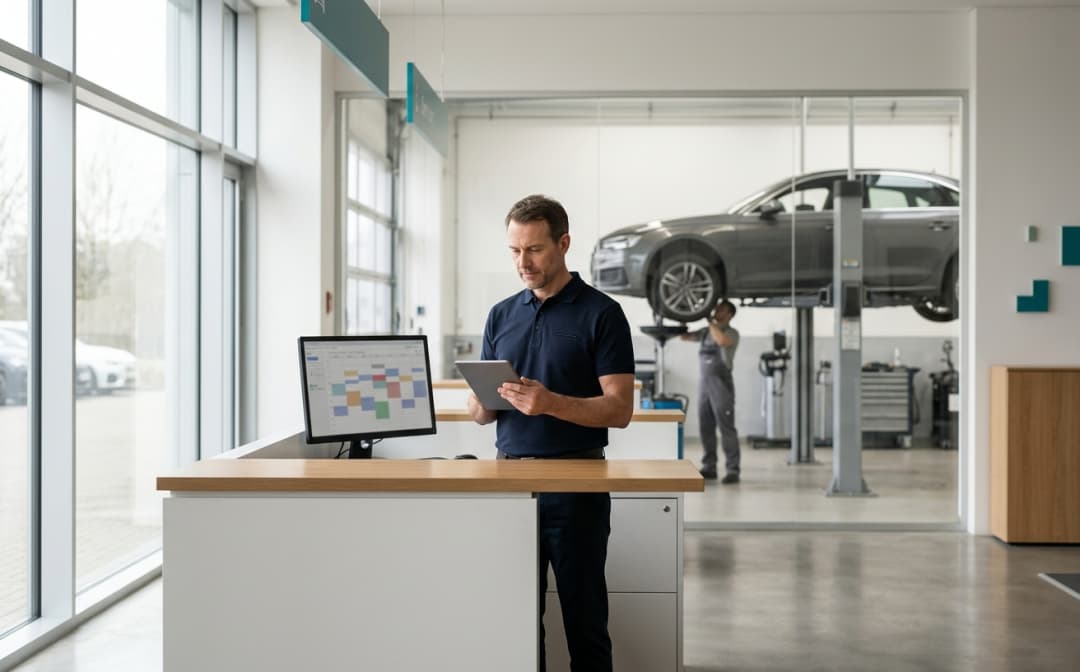
A customer books a service for Tuesday at 8:30 am. On Tuesday at 8:30 the lift is free, the courtesy car is ready and the technician is waiting. The customer does not show up: they forgot. A WhatsApp reminder the day before will not prevent every no-show, but it removes the most avoidable one, the customer who simply did not remember. This guide covers when to send appointment reminders, what to put in them, with ready-to-copy templates, and what changes between the WhatsApp Business app and the WhatsApp Business API.
How to send appointment reminders on WhatsApp
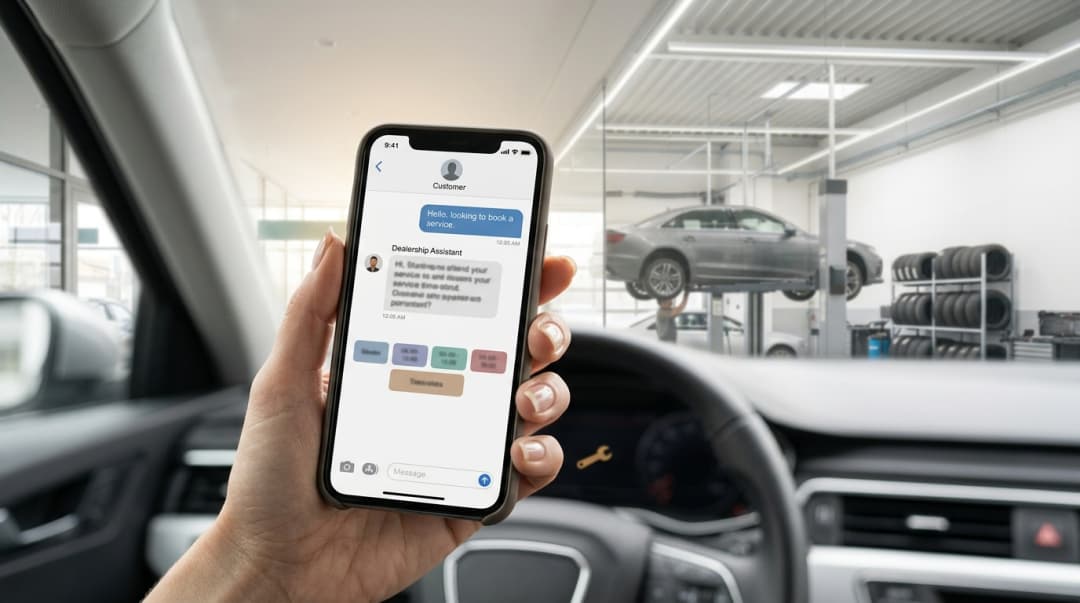
A WhatsApp appointment reminder goes to customers who have opted in, usually the day before and, if needed, on the morning of the appointment. It should include date, time, location, vehicle and an easy way to confirm or reschedule. With the WhatsApp Business app you send it by hand, one chat at a time; with the WhatsApp Business API it goes out automatically from the schedule, using a template approved by Meta.
Why reminders matter in service and for test drives
In a service department an appointment is more than a time slot. Behind it there is a technician's time, a lift, sometimes a courtesy car or a part ordered specifically for that job. When the customer does not turn up, that time is lost and is hard to reassign at short notice. Meanwhile another customer was told the first free slot was next week.
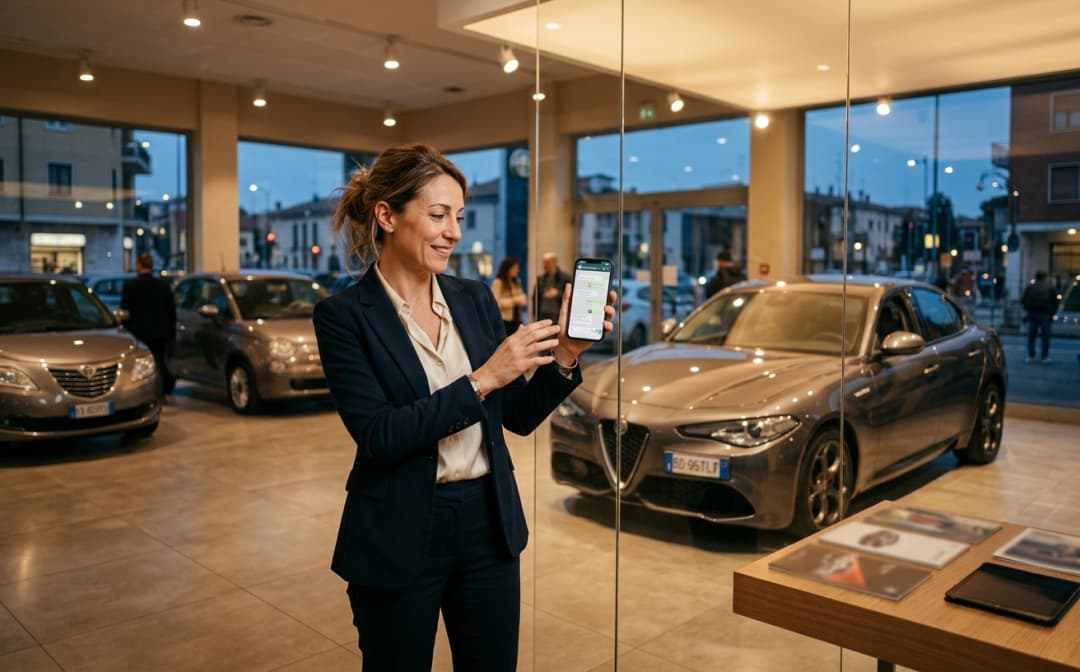
For test drives the cost is different but real: a car prepared for the drive, a salesperson who has blocked their calendar, sometimes trade plates. The reminder is also the last chance to remind the customer to bring their driving licence, or to let them know if the car they asked about is no longer available.
There is a less obvious benefit too: reminders surface cancellations earlier. A cancellation the day before frees a slot the service desk can still offer to someone else. A no-show discovered at 8:45 does not.
When to send appointment reminders
There is no single rule. In practice the most common pattern looks like this:
- At booking: a confirmation with date, time and location. It becomes the reference message the customer finds in the chat.
- The day before: the actual reminder, asking the customer to confirm or reschedule. Send it during opening hours, so anyone who wants to move it gets an answer straight away.
- On the day, optional: a short message for early-morning appointments or test drives, with the address and the person to ask for.
For appointments booked weeks ahead, such as seasonal tyre changes, an extra reminder a few days before can help. More messages do not mean more attendance, though: two or three per appointment is already plenty. Avoid late evenings and days when you are closed.
What a good reminder contains
- Who is writing: the dealership or workshop name, and the branch if there is more than one.
- What: the type of appointment (service, tyre change, test drive) and the vehicle or registration plate.
- When: day and time written out in full, for example "Tuesday 10 November at 8:30 am".
- Where: the address and, if useful, the service reception entrance or customer parking.
- What to bring: service book, locking wheel nut key, driving licence for a test drive.
- How to reply: "Confirm" and "I need to reschedule" buttons, or at least an invitation to reply in the chat.
Keep promotions out of the reminder. Besides distracting from the main message, on the API a template that mixes a service update with an offer is categorised by Meta as marketing, not utility.
Appointment reminder templates for WhatsApp
Ready-to-use texts written in WhatsApp template format: the variables in double curly braces ({{1}}, {{2}}…) are replaced with the appointment details. With the Business app, just fill them in by hand before sending.
Booking confirmation, service: "Hi {{1}}, your {{2}} appointment for the vehicle with registration {{3}} is booked for {{4}} at {{5}} at {{6}}. We'll message you the day before as a reminder. If you need to change it, just reply to this message."
Day-before reminder, service: "Hi {{1}}, a reminder of your appointment tomorrow, {{2}} at {{3}}, for {{4}} on vehicle {{5}}. Address: {{6}}. Please bring your service book and, if you have one, the locking wheel nut key. Use the buttons below to confirm or ask to reschedule." Buttons: "Confirm" · "I need to reschedule".
Test drive reminder: "Hi {{1}}, we look forward to seeing you {{2}} at {{3}} at {{4}} for your {{5}} test drive. Please bring a valid driving licence and ask for {{6}} at reception. If you can't make it, reply here and we'll find another time."
Same-day message: "Good morning {{1}}, we're expecting you today at {{2}} at {{3}}. Service reception is {{4}}. See you soon!"
After a missed appointment: "Hi {{1}}, we didn't see you today for your {{2}} appointment for {{3}}. No problem: would you like to book a new time? Reply to this message and we'll send you the next available slots."
Before submitting a template to Meta, read it as the customer would: it must make sense once the variables are filled in and must not include discounts or calls to buy.
WhatsApp Business app or WhatsApp Business API
With the free WhatsApp Business app, reminders are sent by hand. The app is not connected to the workshop schedule: someone has to go through tomorrow's appointments, open each chat and paste the text, perhaps from a quick reply. For a workshop with a handful of appointments a day that can be enough. The greeting and away messages do not help here: they answer people who write in, they are not triggered by an appointment. We cover them in our guide to WhatsApp Business automatic messages.
With the WhatsApp Business API, the reminder is sent by software connected to the schedule. The main rules:
- Approved template. Outside the 24-hour window after the customer's last message, you can only write with a template approved by Meta. Every template has a category: utility, marketing or authentication.
- Utility category. According to Meta, utility templates are typically triggered by a user action or request and have no promotional intent. A reminder for an appointment the customer booked follows that logic; if it also contains an offer, Meta treats it as marketing. Meta sets the category during review and can change it after approval.
- Opt-in. You need the customer's consent to receive WhatsApp messages, with your business name clearly stated.
- Cost. Meta charges templates per delivered message, with rates that vary by category and country. Rates change over time, so check Meta's official pricing page.
So "free" WhatsApp reminders are the ones sent by hand from the app. With the API every delivered template has a Meta cost, in exchange for automated sending, buttons and replies that land in a system.
Automated appointment reminders with MIA
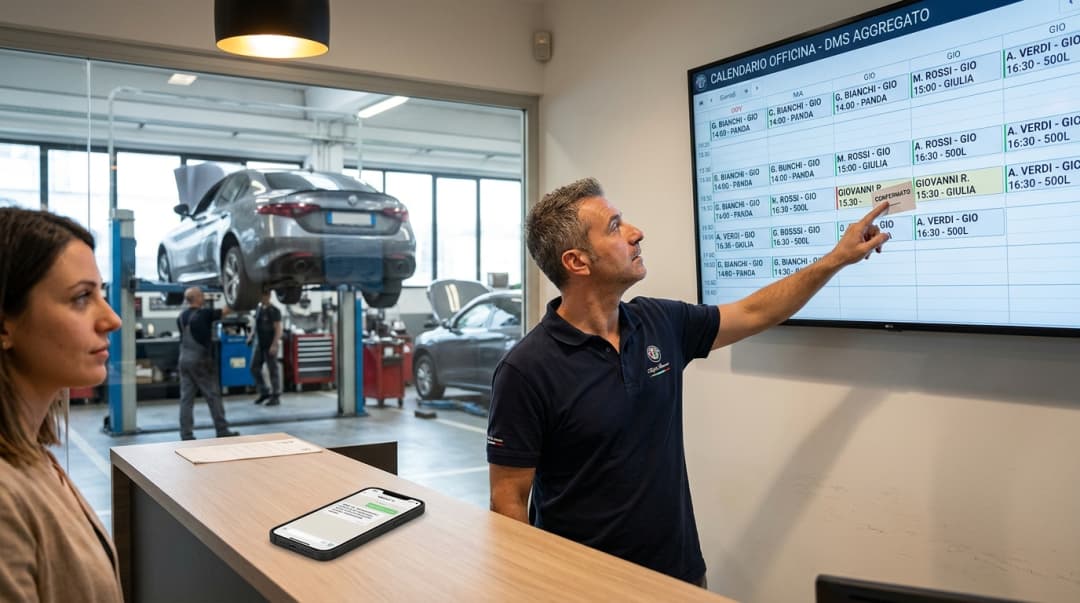
In MIA, reminders start from the schedule: services, locations, resources (people, bays, cars for test drives), shifts and slot rules. An appointment can be created by the customer in a chat or on the phone with the AI agent, or by the service desk. From there MIA sends the reminder by WhatsApp, email or push notification. For longer sequences, such as a confirmation at booking, a reminder the day before and a message after a no-show, you use automation flows with the "reminder before an event" and "appointment created or changed" triggers.
Two clarifications. MIA does not send text messages (SMS): reminder channels are WhatsApp, email and push. And the schedule is MIA's own: it does not sync with Google Calendar or Outlook.
Templates are built in MIA's template builder, with header, buttons and variables, submitted to Meta for approval, and their status updates automatically. Templates and sends are covered on the WhatsApp campaigns for dealerships page.
When the customer replies "can I move it?"
A reminder only works if someone reads the replies. The most common one is a request to reschedule. There are two ways to handle it:
- The AI agent replies in the same chat: it checks availability in the schedule, offers free slots and records the change request. Depending on how the schedule is set up, the new time is confirmed straight away or stays a preference for the service desk to confirm.
- The service desk replies: an advisor takes over the conversation, the AI stops, and the customer carries on with a person in the same thread.
If the customer asks something else, such as "is there a courtesy car?" or "how long does the service take?", the agent answers from the information in the knowledge base or hands the chat to the team. After a template is sent, the AI can also pause for a set time so that a person reads the first replies. Service-specific features are on the AI for service departments page.
Handling no-show appointments
Even with reminders, some customers will not turn up. You need a simple procedure that everyone follows:
- Mark the appointment as a no-show in the schedule rather than deleting it, so the data stays and can be measured.
- Send a message the same day offering to rebook, in a neutral tone. The customer may have had a genuine problem.
- If there is no reply, decide whether to call or close. MIA has playbooks such as "WhatsApp, then call if silent" for this.
The after-no-show message also needs consent and, outside the 24-hour window, an approved template.
What to measure
The value of reminders shows up in the schedule, not in the number of messages sent. Useful indicators:
- Reminders delivered and read, from the automation execution report.
- Confirmations received in reply to the reminder.
- Reschedule requests, and how many become a new appointment.
- No-shows marked in the schedule, by service, location and time slot.
- Rebookings after a no-show.
Comparing no-shows before and after introducing reminders only makes sense if the data is collected the same way in both periods. For a wider view of aftersales, see our guide to digital solutions for the automotive aftermarket.
Privacy and consent
The phone number a customer gives when booking is not, on its own, permission to message them on WhatsApp. Ask for consent at booking ("Would you like your confirmation and reminders on WhatsApp?") and record it on the customer record. MIA manages per-channel consents and privacy notice links.
- Ask for consent naming the dealership.
- Use it only for the messages it was given for: consent to reminders is not consent to marketing.
- Explain how to stop receiving messages, and honour the request.
- Keep reminders to the data that is needed: no diagnoses or amounts.
For legal questions, including GDPR where it applies, the reference remains the dealership's privacy adviser.
FAQ
Questions about WhatsApp appointment reminders
The most common questions from service departments and dealerships that want fewer missed appointments.
Reminders, confirmations and reschedules in one chat?
In a demo we show MIA on a workshop schedule: booking, WhatsApp reminder and a reschedule request handled by the AI agent or your service desk.
Related solutions